Back to Services
Control Solutions

Smart Devices & Access Control

Next-generation access control system — AI biometric authentication, contactless smart locks, and automated employee timekeeping. Manage the entire flow of people entering and exiting remotely via a mobile app.

<0.2s
Speed
99.9%
Exactly
Real-time
Report
Smart Devices & Access Control
AI Recognition
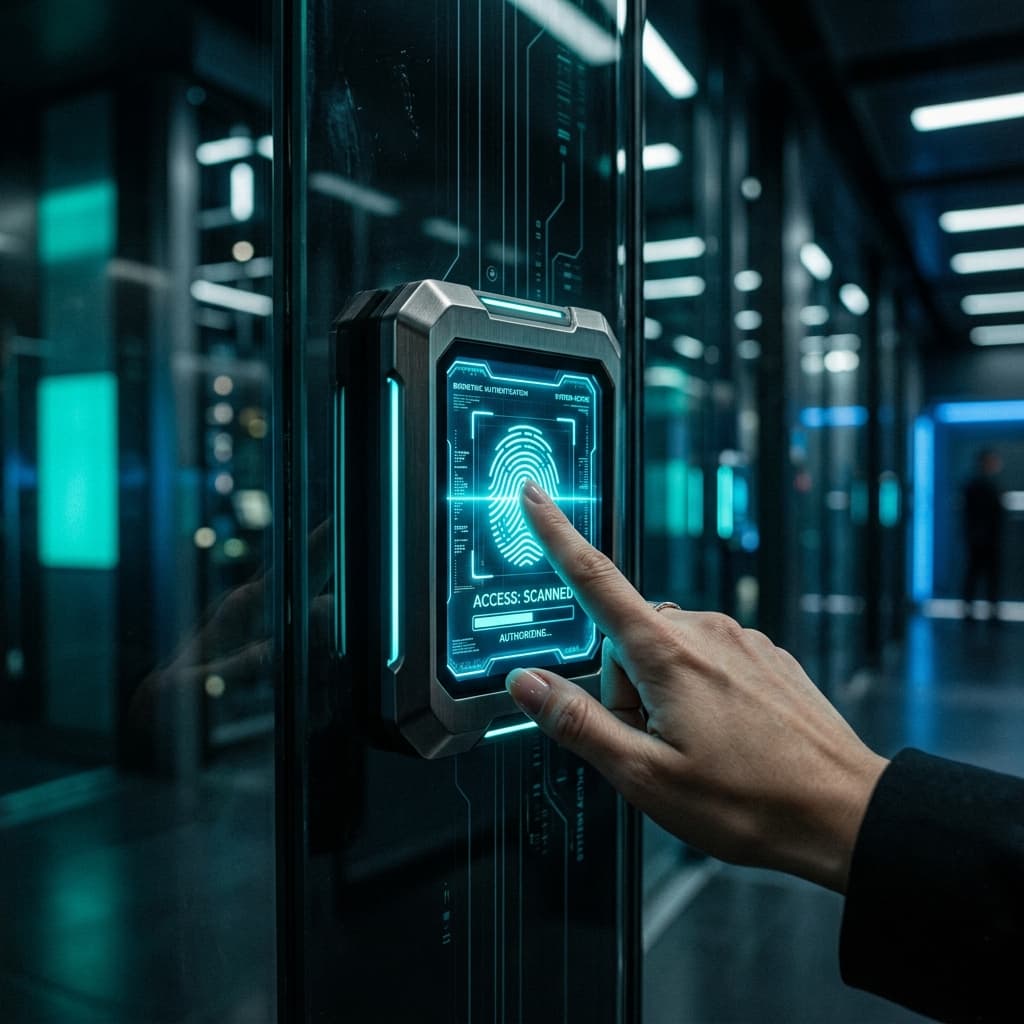
Face ID / Fingerprint
Access control
Smart security

Touchless entry and exit

Hygiene and safety, ultra-fast biometric authentication.

Timekeeping Management

Synchronize data directly with payroll software.

Detailed Permissions

Access is restricted by rank and department.

HIKVISION
DAHUA
RONALD JACK
SUPREMA
BOSCH
KBVISION
ZKTECO
HIKVISION
DAHUA
RONALD JACK
SUPREMA
BOSCH
KBVISION
ZKTECO
HIKVISION
DAHUA
RONALD JACK
SUPREMA
BOSCH
KBVISION
ZKTECO
Maximum Security, Contactless Access
SECURE ENTRY
Physical Security

Maximum Security, Contactless Access

The era of mechanical keys is over. Quang Duc is deploying a smart access control ecosystem — from AI-powered 3D facial recognition to prevent forgery, fingerprint scanning with over 10,000 templates, to encrypted RFID cards and mobile access via smartphone. The system features multi-level access control based on area, floor, department, and time frame, deeply integrated with HRM software to fully automate timekeeping, payroll, and human resource management processes.

"Knowing exactly who is in the building, in which area, and since when — without creating any delays at the entrance."

Authentication Method

Multi-factor authentication technology provides robust protection for critical areas.

AI Facial Recognition

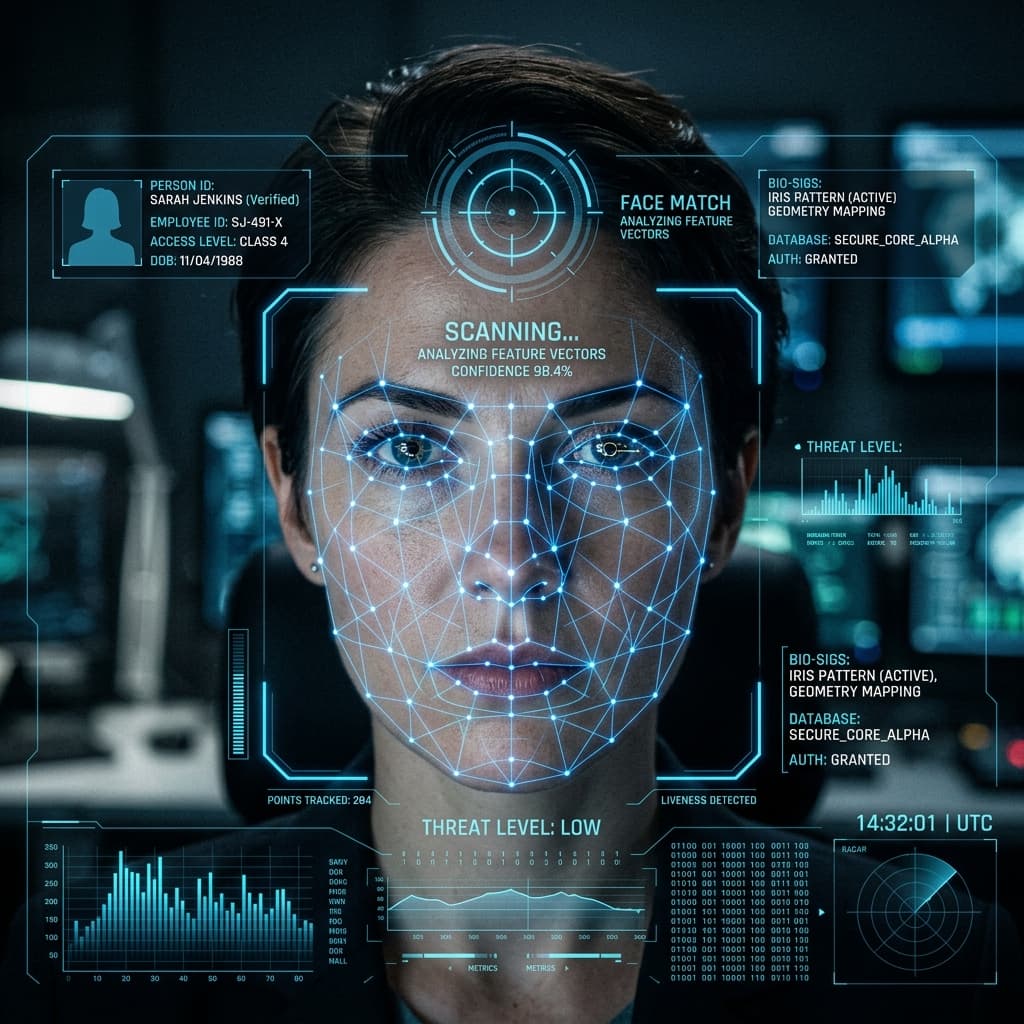
Dual infrared cameras provide 3D facial recognition, preventing forgery of printed photos and videos. Accurate authentication even with masks, sunglasses, or hairstyle changes — speeds under 0.2 seconds, capacity up to 50,000 faces.

Biometrics
AI Facial Recognition

Cloud Management

A centralized, multi-branch management platform — grant, revoke, or change access rights for any employee remotely in real time. Access control is based on tier, department, time slots, and holidays.

Integrated HRM & Time Attendance

Automatically synchronize attendance data with HRM/ERP software. Directly export reports on tardiness, early departures, overtime, and leave requests to the payroll department. Supports multi-shift, rotating shifts, and night shifts.

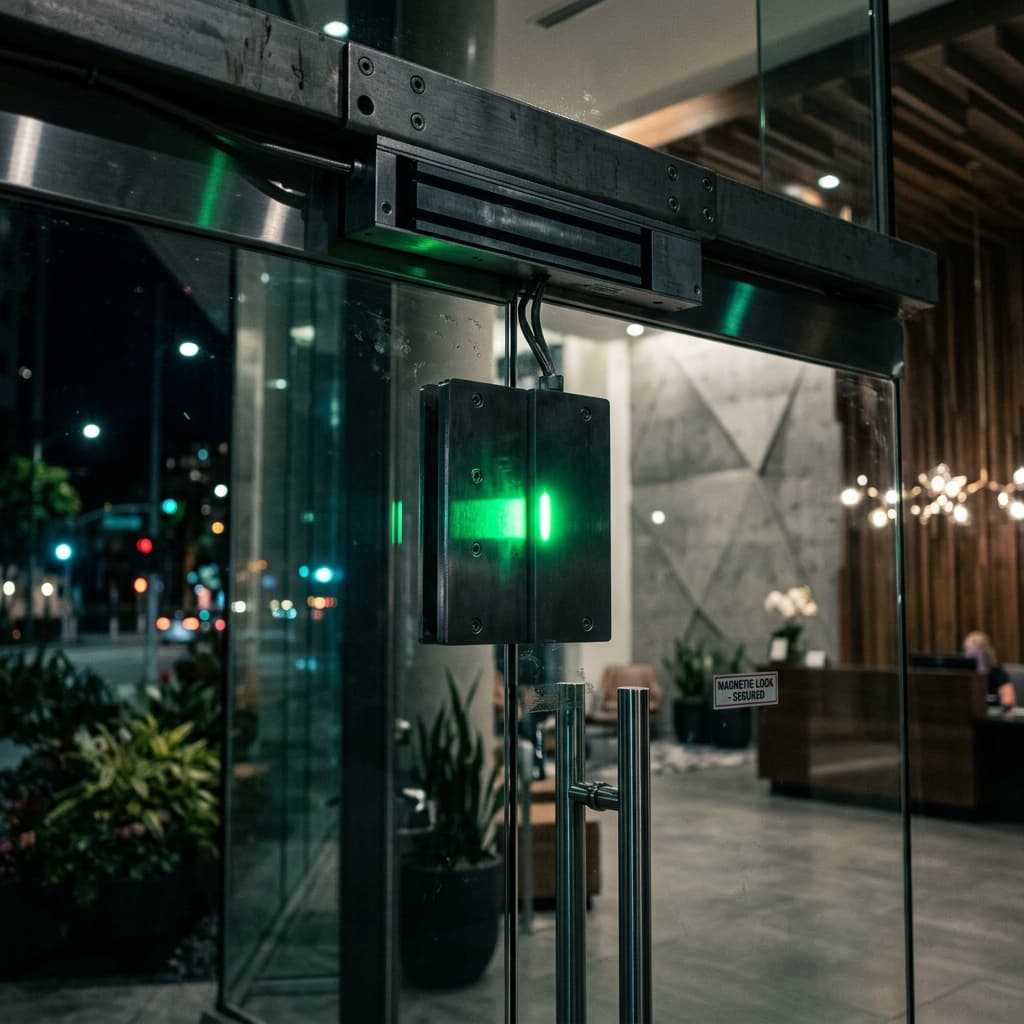
Fail-safe Electromagnetic Lock

The electromagnetic lock has a load capacity of 300-600kg and automatically unlocks upon receiving a fire alarm signal (Fail-Safe). It integrates an exit button, door sensor, and alarm for doors left open for too long.

Fail-safe lock
Fail-safe Electromagnetic Lock

Specialized Control Solutions

From startup offices to buildings with hundreds of employees — every space has an optimal solution.

Single Door Control

A simple solution for office entrances, server rooms, and technical rooms. Fingerprint/face recognition time attendance system combined with an electromagnetic lock, installation in 2 hours.

Centralized Multi-Door Control

Manage 4-64 doors from a single central controller. Access control based on floor, department, and time frame. Suitable for office buildings, hospitals, and schools.

Automatic Barriers & Gates

Vehicle access to and from the parking lot is controlled using license plate recognition (LPR), UHF long-range tags, or QR codes. Automatic barrier raising/lowering and receipt printing are also included.

Turnstiles & Flap Gates

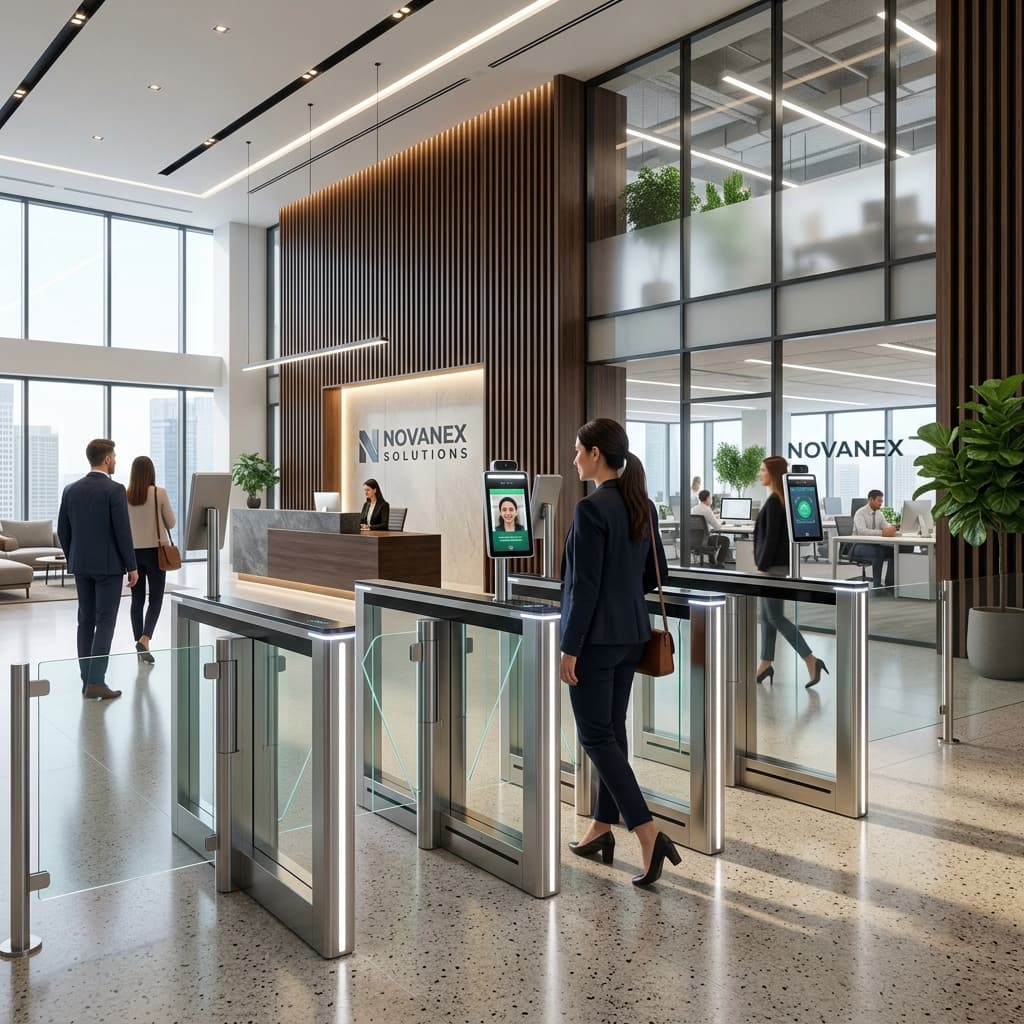
Control the flow of people in building lobbies, factories, and high-security areas. Tripod turnstiles, flap gates, or speed gates with high throughput speeds.

Authentication Flow

How the system controls access in real time.

Scan Data

The terminal uses AI facial recognition, optical fingerprint scanning, RFID cards, or mobile QR codes for multi-factor authentication.

Compare

Compare biometric data with a central database, checking access rights by region and time slot.

Granting Permissions

Sends a signal to unlock an electromagnetic lock, barrier, or automatic gate. Response time < 0.3 seconds.

Logging

Record a complete entry/exit history: time, location, authentication method, and facial image.

Industry-Specific Applications

Industry-Specific Applications

Each industry has its own unique operational characteristics — we design the most suitable control solutions.

Office & Coworking

Facial recognition replaces traditional key cards. Access to meeting rooms and pantry is granted based on bookings. Integration with timekeeping software allows HR to automatically calculate salaries at the end of the month.

Factories & Industrial Parks

Control shift entry/exit for thousands of workers with fingerprint scanning speed of < 0.3 seconds. Anti-passback prevents unauthorized clocking in. Barrier controls truck access to warehouse areas.

Apartments & Residential Areas

Access cards/facial recognition for residents, disposable QR codes for guests. Elevator management — only allowing residents on specific floors to access their floors. Interconnected with video intercom.

Hospitals & Schools

Control sensitive areas (operating rooms, pharmacies). Assign permissions based on doctor shifts. In schools: manage student pick-up and drop-off times, notify parents via app when their children check in.

5-Step Deployment Process

5-Step Deployment Process

A standardized process from survey to handover ensures the system operates perfectly from day one.

01

People Flow Survey & Analysis

Assess the number of doors, traffic frequency, peak hours, and access control requirements for each area. Determine the optimal device installation locations.

02

System Design & Access Control

Create a device layout diagram, select a suitable authentication method (face/fingerprint/card), and design an access control matrix based on departments and time slots.

03

Installation & Connection

Installing electronic locks, wiring power and network cables, installing time attendance machines and controllers. Connecting all devices to the central management software.

04

Registration & Configuration

Register facial/fingerprint data for all employees, issue access cards, configure access control, work schedules, shifts, and security policies.

05

HR Handover & Training

Instruct the HR department on using the management software: adding/removing employees, generating attendance reports, and troubleshooting basic issues. Hand over complete technical documentation.

Benefits of Door Access Control

Eliminating mechanical keys enhances physical security.

Absolutely Secure — Cannot Be Copied

3D facial recognition and biometric fingerprints are unique and cannot be copied like traditional mechanical keys or magnetic cards. Combined with AES encryption for MIFARE DESFire cards, this ensures zero-clone protection.

Reduce Human Resource Management Costs by 80%

Fully automate the timekeeping process — eliminate clocking in for others, forgotten clocking in, and incorrect shift assignments. Save HR time and reduce payroll errors. ROI under 6 months.

Instant Reporting & Retrieval

Access the entry and exit history of any employee within seconds. Provides authentic evidence for internal audits, ISO 27001 compliance, and labor law requirements.

Knowledge of Access Control

Knowledge of Access Control

Understanding technology to invest wisely — things to know before choosing a system.

Fingerprint vs. Facial Recognition vs. RFID Card: A Detailed Comparison

Fingerprint: Lowest cost, 99.7% accuracy, suitable for most small and medium-sized businesses. AI facial recognition: Contactless, hygienic, fastest speed (<0.2s), suitable for post-COVID and crowded areas. RFID cards: Simple, low per-card cost, but risk of being copied if using older EM technology — MIFARE DESFire with AES encryption is recommended.

What is Anti-Passback and Why Do Businesses Need It?

Anti-Passback is a feature that prevents "buddy punching" (attendance clocking for someone else). The principle is: If employee A has clocked in but not out, they cannot clock in again—and no one else can use A's card/fingerprint to clock out on their behalf. This feature helps businesses significantly save on personnel costs due to timekeeping fraud.

Fail-Safe vs. Fail-Secure: Which Lock Type Should You Choose?

Fail-Safe: Locks automatically open during power outages — prioritized for emergency exits, corridors, and stairwells in accordance with fire safety regulations. Fail-Secure: Locks remain locked during power outages — prioritized for server rooms, vaults, and security rooms. Choosing the right type of lock for its intended use is mandatory to ensure safety and compliance with the law.

Questions About Control

Frequently asked questions during installation.

Standard electronic locks are of the Fail-Safe type — automatically opening in the event of a power outage to ensure safe evacuation in accordance with fire safety regulations. The system has a backup UPS battery providing 4-8 hours of operation to maintain control. For areas requiring high security (server rooms, vaults), we use Fail-Secure locks — which remain locked in place during a power outage.

Absolutely. The system provides an open REST API and SDK for integrating timekeeping data directly into ERP, SAP, payroll software, or any HRM system. We support connections with popular software in Vietnam such as MISA, Fast, and Bravo.

Absolutely. Administrators can set up detailed Time Zones: employees are only allowed to enter and exit during business hours (e.g., 8:00 AM - 5:30 PM), and the system will automatically deny entry outside of those hours. Custom configurations are supported for each department, shift, and public holiday.

Yes. The next-generation facial recognition device is equipped with dual infrared (dual IR) cameras, operating accurately in 0 lux conditions (complete darkness). It also features 3D anti-spoofing technology — printed photos or videos cannot be used to deceive it.

Yes. The included software supports exporting detailed time-in/time-out reports in Excel format or synchronizing directly with the company's HRM software.

Yes. The integrated elevator controller allows residents to only press their floor button after scanning their card/face. Guests must be granted temporary access by a resident or use a one-time QR code.

Depending on the device model: standard models store 3,000-5,000 faces, while high-end models can store up to 50,000 faces and 100,000 fingerprints. With a central server solution, there is no limit to the number of employees.

Basic single-door systems (fingerprint time attendance machine + electromagnetic lock + exit button) range from 4-7 million VND. High-end AI facial recognition systems range from 8-15 million VND per door. Multi-door solutions for buildings will be quoted separately after an on-site survey.

Start Your Project

Looking for a
similar solution ?

Let our expert team survey your current setup and provide a consultation on the most optimal IT infrastructure architecture, completely free of charge.

Smart Devices & Access Control | Quang Đức IT Center