


Back to Services
Network & Telecommunications Infrastructure

Network & Telephone Switchboard Systems

Consulting, designing, and installing high-load LAN/WAN and WiFi networks, as well as internal telephone systems (VoIP/Analog). Creating a stable, secure, and high-speed connectivity platform for businesses.

99.9%
Stable
256-bit
Security
10Gbps
Speed
Network & Telephone Switchboard Systems
Ultra-high speed
Up to 10Gbps
Absolute security
Enterprise-level encryption

Dedicated WiFi

Aruba, UniFi, Cisco - Handles hundreds of users.

Internal Telephone System

Grandstream, Yeastar - Free branch connection.

LAN Network Installation

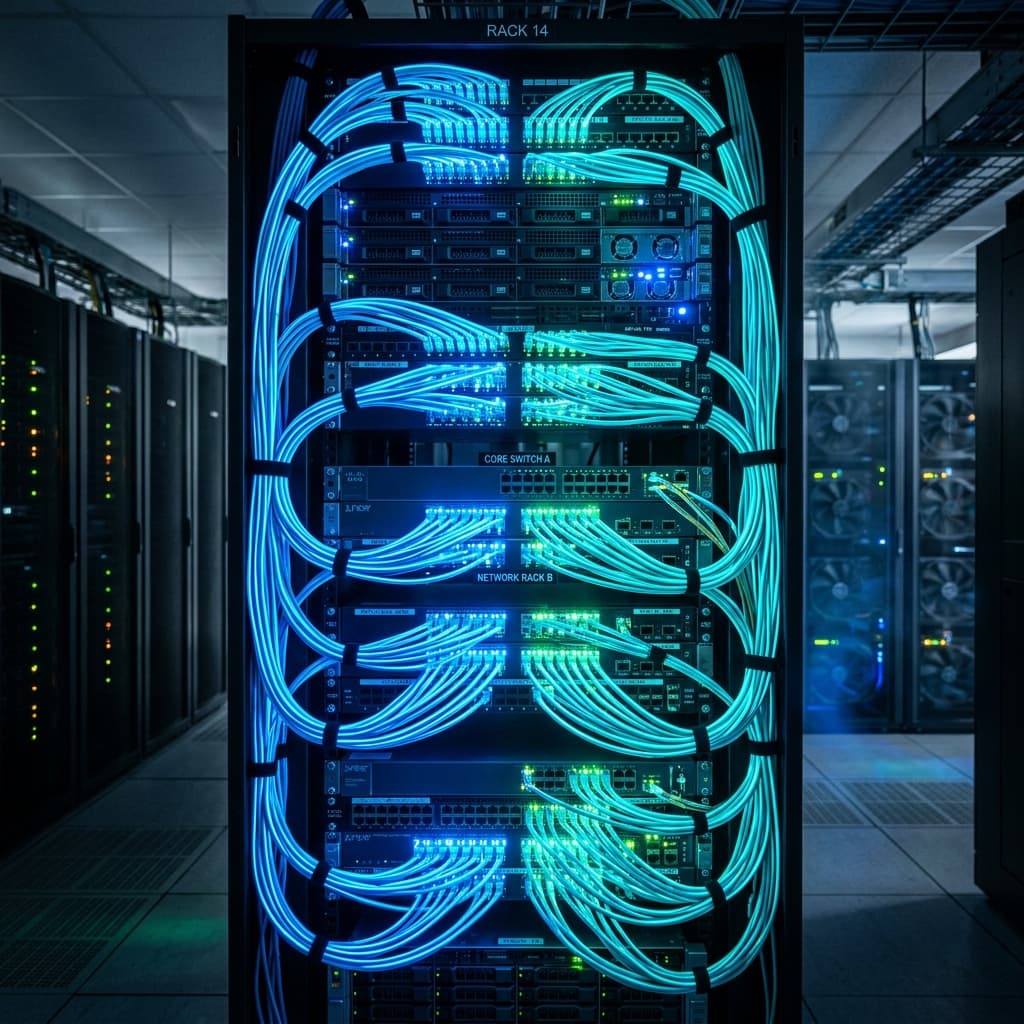
Connect the network cable, run the cable, and set up a standard rack cabinet.

CISCO
ARUBA
UBIQUITI
MIKROTIK
GRANDSTREAM
YEASTAR
RUIJIE
DRAYTEK
FORTINET
PANASONIC
CISCO
ARUBA
UBIQUITI
MIKROTIK
GRANDSTREAM
YEASTAR
RUIJIE
DRAYTEK
FORTINET
PANASONIC
CISCO
ARUBA
UBIQUITI
MIKROTIK
GRANDSTREAM
YEASTAR
RUIJIE
DRAYTEK
FORTINET
PANASONIC
The Lifeline of Every Business
STABILITY IS KEY
Unlimited connection

The Lifeline of Every Business

Slow and unreliable WiFi networks, frequent disconnections, or fragmented internal communication systems can significantly reduce the efficiency of an entire organization. We offer comprehensive solutions, from designing standard cabling infrastructure (Cat5e/Cat6/Fiber Optic), configuring wide-area WiFi systems, to deploying intelligent IP telephone systems, helping businesses operate smoothly and professionally.

"A standardized network infrastructure not only solves current problems but is also ready for future expansion over the next 5-10 years."

Core Network & Telecommunications Solutions

A seamlessly connected ecosystem, specifically designed to meet the most stringent IT standards.

High Load Capacity WiFi System

A seamless WiFi roaming solution for buildings, hotels, and cafes. Utilizing enterprise-grade devices such as Cisco, Aruba, Ruckus, and UniFi, it can handle high-density loads of up to 500+ users simultaneously.

IT Infrastructure
High Load Capacity WiFi System

Telephone Exchange (PBX / VoIP)

Implement an advanced IP PBX (VoIP) system. Enjoy completely free internal calls between branches, call recording, professional automated voice prompts (IVR), and call forwarding to mobile phones when employees are away on business.

LAN Network and Server Cabinet Installation

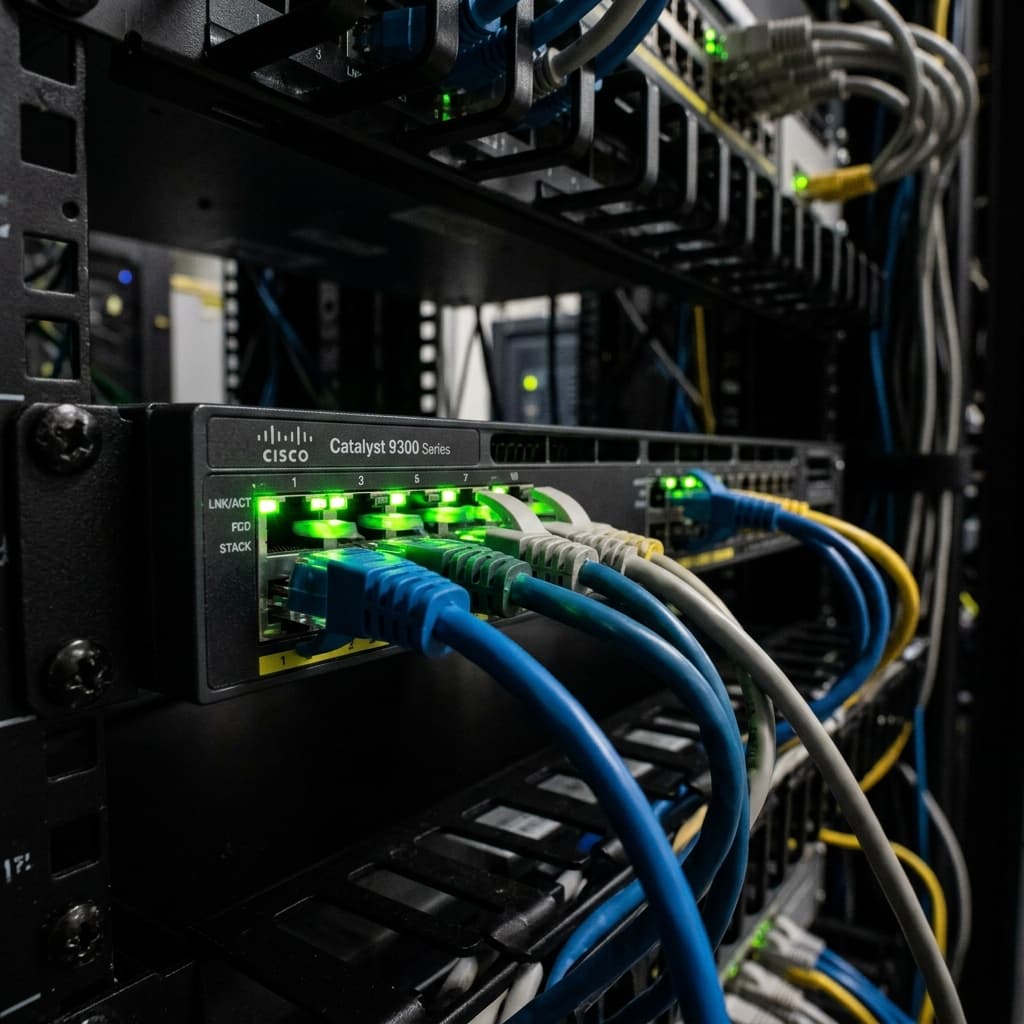
Optimize network cabling design. Install concealed/surface-mounted network cables aesthetically, with clear cable markings. Accurately install and plan server racks, and set up core switches, routers, and firewalls.

Maintenance & IT Helpdesk

Comprehensive IT Outsource services. Includes periodic checks, bandwidth monitoring, and network device configuration backups. Fast, remote or on-site troubleshooting of network, PBX, and office computer issues.

Telecommunications
Maintenance & IT Helpdesk

Core Device Ecosystem

We use equipment from leading global network and telecommunications brands.

Router & Firewall

Routers and firewalls (MikroTik, DrayTek, Cisco, Fortinet). Load balancing for multiple internet connections, blocking inappropriate websites, and setting up secure VPNs for remote employees.

Switch

PoE switches provide power over the network cable for cameras, WiFi, and IP phones. These Core Layer 2/Layer 3 Gigabit/10G switches enable ultra-fast internal data transmission without bottlenecks.

WiFi Access Point

Aruba Instant On, Ubiquiti UniFi, Ruijie Reyee. Integrated WiFi 6 technology, MU-MIMO, and centralized cloud management allow technicians to easily provide remote support in case of problems.

Switchboard & Telephone Equipment

Grandstream UCM and Yeastar PBX systems. SIP-standard IP desk phones, noise-canceling call center headsets. Operates on the same existing LAN infrastructure, eliminating the need for separate telephone wiring.

Standard Implementation Process

Construction is carried out systematically and scientifically, from the blueprints to the finished product.

Field Survey

Engineers go to the site to measure the area, check for WiFi signal obstructions, and calculate the number of network nodes and telephones needed. They also understand the business's bandwidth requirements.

Design & Quotation

Prepare a logical topology diagram and a physical wiring diagram. Propose equipment solutions (MikroTik/UniFi/Aruba) with detailed pricing and a clear breakdown of material quantities.

Construction & Installation

Lay cables, crimp network connectors, and test continuity using specialized testing equipment. Install equipment into the rack, and configure the router, switch, WiFi controller, and IP PBX.

Handover & As-Built Diagram

Hand over the administrator account. Label both ends of the cables. Provide an as-built diagram for convenient maintenance and future expansion.

Industry-Specific Solutions

Industry-Specific Solutions

Optimize network infrastructure design based on the specific characteristics and scale of each business type.

Hotels & Resorts

The WiFi Mesh system provides coverage throughout the guest rooms and outdoor areas. The hotel's PBX system integrates PMS management software, wake-up calls, and call billing.

Factories & Industrial Parks

Fiber optic network infrastructure connects factories over long distances (>100m). High-temperature resistant, dustproof industrial WiFi network. Factory walkie-talkie telephone system.

Business Office (SMB/Enterprise)

Gigabit LAN network for computers, separate WiFi bands (Guest/Employee). Firewall for secure internal data protection. IP PBX connecting multiple branches across North, Central, and South Vietnam.

Cafe, Food & Beverage & Retail

WiFi Marketing collects customer data (login via Facebook/phone number). The router balances the load on the two connections to ensure a constant network connection for both the POS system and the customer.

Benefits of Using a VoIP (IP PBX) System

Benefits of Using a VoIP (IP PBX) System

This revolution replaced outdated analog telephone systems, offering maximum flexibility.

01

Cost Savings on Wire Pulling

IP phones plug directly into the computer's LAN port (the phone has two network ports). There's no need to install separate 2-core telephone wiring as before.

02

Free Inter-Branch Calling

Connecting branches in Hanoi, Da Nang, and Ho Chi Minh City via internet connection. Employees can call each other using internal extension numbers completely free of charge.

03

Professional Customer Service

Includes an integrated Interactive Voice Response (IVR) message: 'Thank you for calling... Please press 1 to speak with a sales representative.' Features include call queuing when the line is busy and call recording.

04

Making and Receiving Calls on Mobile Smartphones

Install a softphone app (like Grandstream Wave) on your smartphone. Your boss or sales staff can receive and make calls using the company's landline number from anywhere with 4G/WiFi.

05

Easy Expansion

Adding new employees only requires purchasing additional IP phones to plug into the network, creating additional internal numbers on the software in one minute, without needing to connect additional hardware cards to the PBX.

Why Choose Quang Duc?

With over a year of experience in infrastructure deployment, we are a trusted technology partner.

Skilled Technician

Our team of engineers holds international certifications (CCNA, MTCNA). Installation is neat, aesthetically pleasing, and adheres to structured cabling standards.

Genuine Parts

Using standard network cables (Dintek, Commscope) with pure copper cores ensures transmission speeds reach true Gigabit speeds. Say no to low-quality copper-clad aluminum cables.

Speed Warranty

We handle network issues, outages, and online call center errors immediately. We arrive on-site within 2-4 hours for hardware issues, ensuring minimal disruption to your work.

Useful IT Knowledge

Useful IT Knowledge

Explanation of common internet terms and knowledge.

What are the differences between Cat5e and Cat6 network cables?

Cat5e supports a maximum speed of 1 Gigabit (suitable for most small offices). Cat6 has a cross-shaped plastic core in the middle, which provides better crosstalk resistance and supports speeds up to 10 Gigabit over short distances. For newly established offices, investing in Cat6 cable is recommended for long-term use.

Mesh WiFi vs Dedicated Access Point

WiFi Mesh (a series of wireless access points) is convenient for homes where cabling isn't feasible, but it suffers from high latency and poor load capacity. Businesses are required to run network cables to each Access Point (Aruba/UniFi) and configure roaming to ensure stability and support 100+ devices.

What is SIP Trunking in a PBX System?

In the past, companies used copper telephone lines (PSTN) connected to a central switchboard. Nowadays, network providers (Viettel, VNPT) provide landline phone numbers via the Internet, called SIP Trunk. This allows for multiple simultaneous calls to be made using a single number without the caller ever hearing a busy signal.

Frequently Asked Questions

Answers to frequently asked questions regarding network and telephone switchboard installation services.

With 50 employees (approximately 100-150 devices including phones and laptops), you'll need a dedicated high-capacity router (like the MikroTik RB760iGS or DrayTek 2927) instead of using the ISP's modem, and about 3-4 UniFi/Aruba access points for even coverage.

Yes. Our technicians are experienced in running wires through drywall ceilings, installing conduit pipes aesthetically, or using semicircular strips under the floor to minimize drilling and maintain the office's appearance.

Cloud-based PBX systems don't require hardware purchases; they are paid monthly and are suitable for companies with multiple small branches. Physical PBX systems, on the other hand, require a one-time purchase, offer high security, and are not dependent on monthly maintenance fees. We provide consultation based on your company's scale.

Yes. Use a router with Load Balancing functionality. This feature will combine the bandwidth of two fiber optic lines (e.g., Viettel + VNPT), and also provide redundancy (if one network is down, the other will still be operational).

The modems provided by internet service providers often have weak processors and can only handle fewer than 15 devices. The solution is to switch the internet provider's modem to Bridge mode, use a dedicated external router to assign IP addresses, and install additional dedicated Wi-Fi access points to extend the signal.

Network cables offer 100% stability, extremely low latency (ping), and maximum speed (1000Mbps). Using WiFi for desktop computers can easily lead to signal interference and intermittent network drops, affecting accounting software or the copying of large internal data files.

We will configure the Router/Firewall to block domains (Domain Filtering) based on IP range or time of day (for example, only allowing access to YouTube from 12 PM to 1 PM).

Yes, all equipment and materials (network cables, switches, routers, IP phones) and labor costs for installation are fully and validly invoiced with VAT.

Start Your Project

Looking for a
similar solution ?

Let our expert team survey your current setup and provide a consultation on the most optimal IT infrastructure architecture, completely free of charge.