Top Fingerprint and Card Access Control Systems: A Comprehensive Comparison 2024
Managing access to buildings, offices, or factories is not just a security issue—it directly impacts the efficiency of personnel and asset management. Modern access control systems have completely replaced traditional gatekeepers, offering greater accuracy, more comprehensive data, and significantly lower operating costs.
This article provides a detailed comparison of access control technologies such as fingerprint , RFID card, facial recognition, and other solutions—helping you choose the right system for your specific needs.
1. Common Access Control Technologies
1.1 Fingerprint Recognition
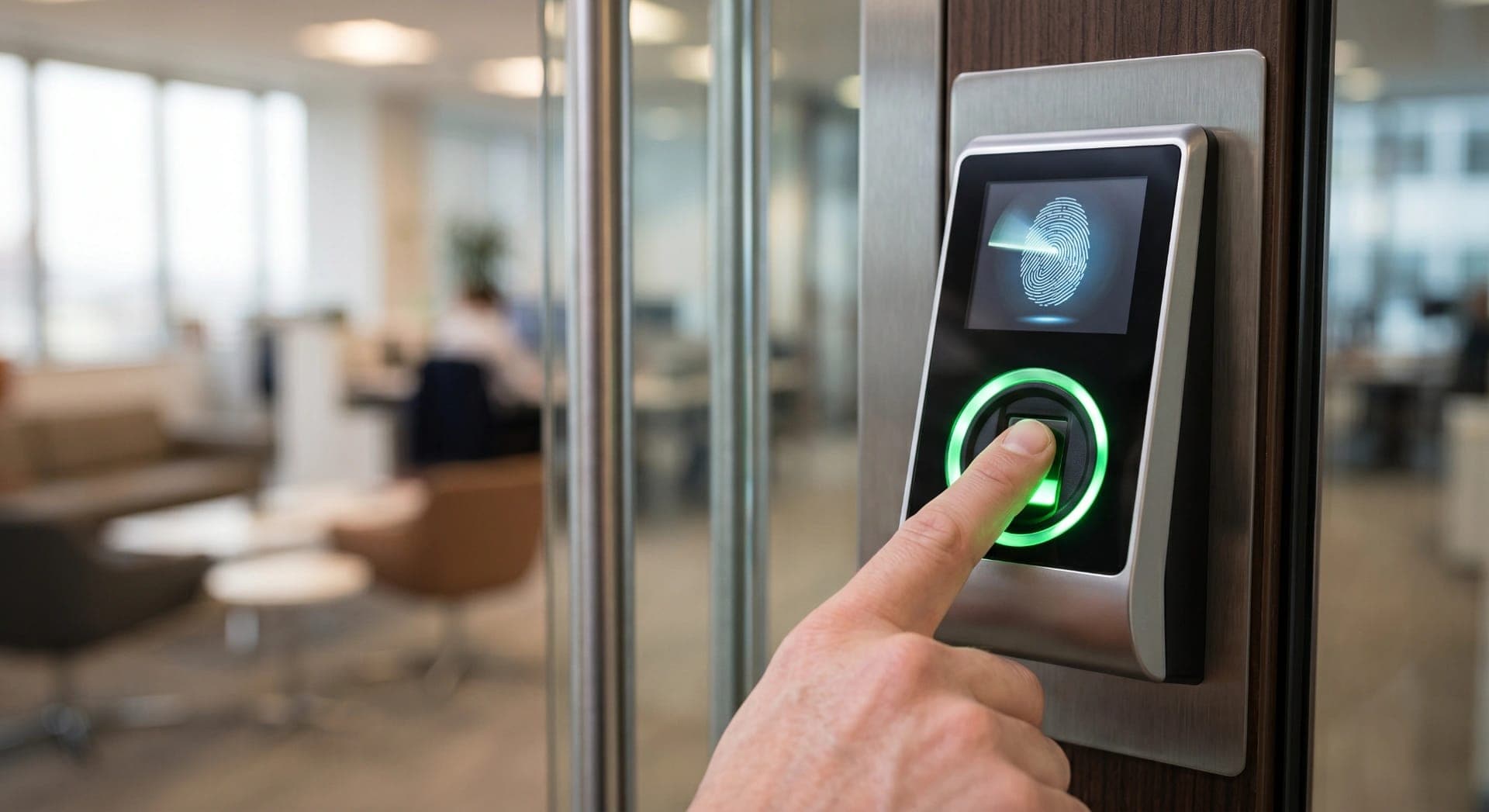
Fingerprint recognition is currently the most popular biometric technology in access control.
Advantage:
- High accuracy (FAR < 0.0001%, FRR < 0.1% with good sensors).
- Unlike cards or PINs, which can be lent out or easily forgotten,
- Equipment costs have dropped significantly, fitting within SME budgets.
- Fast authentication speed (usually under 1 second).
Limit:
- Workers who perform heavy manual labor (with grease, dust, or wounds) may have difficulty being identified.
- Not suitable for environments requiring continuous glove wearing.
- Some users have naturally faint fingerprints (elderly people, those who work with chemicals).
Suitable applications: Offices, server rooms, high-security areas, employee time tracking.
1.2 Magnetic Cards / RFID Cards
RFID (Radio Frequency Identification) tags are the second most common technology, operating on radio waves for authentication.
Common card standards:
- 125 kHz (EM4100/HID Prox): An older standard, easily copied — not recommended for high-security systems.
- 13.56 MHz (Mifare, DESFire, HID iCLASS): A modern standard, supports encryption, and is much more difficult to copy. This standard should be prioritized.
Advantage:
- Extremely fast authentication speed (< 0.5 seconds), contactless.
- Unaffected by user hand conditions.
- Easy to manage: add/remove/lock cards remotely instantly.
- It is possible to integrate multi-functional employee cards (timekeeping + canteen payment).
Limit:
- The card may be lost, forgotten, or lent out.
- 125 kHz cards are easily copied using inexpensive equipment.
Suitable applications: Multi-story office buildings, apartment complexes, parking lots, industrial zones.
1.3 Face Recognition
AI facial recognition technology is rapidly developing and becoming increasingly affordable.
Advantage:
- Contactless authentication — ideal in the post-COVID-19 context.
- You can't forget or lose the "card".
- Some devices have built-in body temperature measurement.
- High speed with a high-resolution camera, remote detection range of 1–3 m.
Limit:
- The cost of the equipment is higher than that of fingerprint and card readers.
- Requires specific lighting conditions.
- Photos must be updated when employees' appearance changes significantly (wearing masks, different beards or hairstyles).
- Privacy issues arise if there is no clear data retention policy.
Suitable applications: High-end building lobbies, clean rooms, medical areas, large-scale factory timekeeping.
1.4 PIN Code (Keypad)
Enter the 4–8 digit code to open the door.
- Advantages: Lowest cost, no card or biometric registration required.
- Limitations: The code can be guessed, spied on, or widely shared. Not suitable as the sole authentication method for highly secure areas.
- Often used in conjunction with cards or fingerprints (multi-factor authentication).
1.5 Mobile Credentials
The new trend: using smartphones to replace physical cards via Bluetooth, NFC, or QR code.
- Manage access rights via app, no need to print physical cards.
- Suitable for flexible office environments (hot-desking, co-working spaces).
- Disadvantages: Dependent on phone battery and Bluetooth/NFC connection.

2. Standalone vs. Networked Systems
This is the most important architectural decision when designing an access control system.
Standalone
Each device operates independently, storing data locally.
- Suitable for: Small offices with 1-2 doors, limited budget.
- Management: Configure directly on the device or via USB/memory card.
- Limitations: Lack of centralized reporting, difficulty revoking emergency access, no real-time alerts.
Networked
All devices connect to the central server/management software.
- Suitable for: Businesses with 20 or more employees, multiple entrances, and multiple floors/areas.
- Centralized management: Add/remove users, assign area permissions, view logs from a single interface.
- Real-time monitoring: Instant alerts upon any unauthorized access attempts.
- Automated timekeeping report: Export data to HR/accounting software.
- Integrated CCTV: When an unusual event occurs, the camera automatically saves the footage at that moment.

3. Application According to Type of Construction
Office Building
- Main lobby: Facial recognition or 13.56 MHz RFID card, high speed, handles large crowds.
- Elevator: Access card controls the floor, only allowing access to the permitted floor.
- Server/Finance Room: Fingerprint + PIN (two-factor authentication).
- Emergency staircases: Exit only, no entry unless authorized.
Factory / Industrial Park
- Main gate: Facial recognition (non-contact, suitable for oily hands).
- Sensitive production areas: Combination of card and fingerprint recognition.
- Timekeeping: Integrate timekeeping into the same access control system to save costs.
Apartment Complex / Apartment
- Parking gate: Magnetic card or automatic license plate recognition.
- Elevator lobby: RFID card access, integrated visitor access via IP doorbell screen.
- Apartment door: RFID card or smart lock with PIN.
4. Features to Consider When Choosing a Device
Important Technical Specifications
Parameter
Small office
Medium-sized enterprises
Large businesses
User capacity
500–1,000
2,000–5,000
10,000+
Recognition speed
< 2 seconds
< 1 second
< 0.5 seconds
Storing event logs
50,000
100,000
500,000+
Connect
RS-485 / USB
TCP/IP
TCP/IP + Cloud
Water resistant
IP54 (indoor)
IP65 (outdoor)
IP66/68
Time Attendance Integration
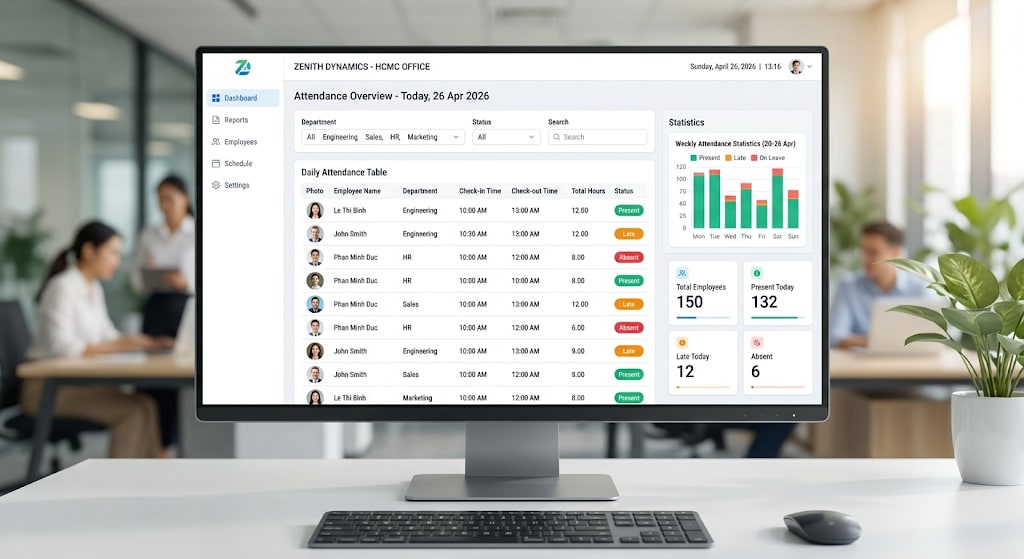
Many access control devices can also function as fingerprint time attendance machines , saving costs. Check the following:
- Does the software export reports in the format of the HR software currently in use (Excel, XML, API)?
- Does it support automatic shift scheduling, overtime, and leave?
- Is there a feature to automatically report when employees arrive late or leave early?
Backup Power Supply
This is an often overlooked but extremely important factor:
- UPS for controller: Ensures the system does not reset in the event of a power outage.
- Backup battery integrated into the door lock: Allows access for 4–8 hours during a power outage.
- Fail-safe vs. fail-secure mode: When the power goes out, will the door automatically open (fail-safe, used for emergency exits) or automatically lock (fail-secure, used for high-security areas)?
5. Notes on Installation
Type of Door and Electric Lock
- Frameless glass doors: Use electromagnetic locks or electric hinges.
- Conventional wooden/steel doors: Electric strike lock or electric bolt lock.
- Vehicle entry/exit gates: Electric barrier or automatic bollard.
Fire Safety Regulations
The access control system must be integrated with the fire alarm system .
- When a fire alarm is sounded, all emergency exits must open automatically immediately (fail-safe mode).
- Electromagnetic locks must not be used for emergency exit doors without emergency release.
Quang Duc - Provider and Installer of Access Control Systems
Quang Duc provides a full range of access control solutions, from simple to complex: from standalone fingerprint time attendance devices for small offices to networked access control systems integrated with CCTV for buildings and industrial parks. Quang Duc's technical team conducts on-site surveys, advises on suitable solutions, and ensures installation meets technical standards—leaving no security vulnerabilities in the design.
Conclude
There is no single "best" technology — each solution is suited to a specific context. The key is to choose the right fingerprint or card access control technology for each area, implement a networked system for centralized management, and ensure backup power so the system never goes down.
Contact Quang Duc for a free survey and consultation on the most suitable access control solution for your project.
- Website: cameraquangduc.vn