
A Guide to Choosing a Business Laptop Based on Your Budget
According to a 2025 survey of the office equipment market, over 68% of small and medium-sized enterprises (SMEs) in Vietnam face difficulties in choosing the right laptop configuration — either buying oversized configurations, wasting 20-30% of their budget, or buying undersized configurations, causing employees to work slowly and requiring upgrades two years early. With an average investment of 10-20 million VND per machine for a team of 20-50 employees, choosing the wrong configuration can cost businesses hundreds of millions of VND in additional replacement and maintenance costs.
This article provides guidance on choosing office laptops according to specific budget levels, helping businesses optimize their investment efficiency when purchasing equipment in bulk.
Determine Your Needs Before Setting a Budget
Before deciding on spending levels, businesses need to categorize employee groups according to actual job requirements:
- Basic office staff: Accounting, administration, human resources — primarily using Excel, Word, email, and lightweight internal management software.
- Advanced office group: Business, marketing — requires multitasking, continuous video calls, basic design (heavy Canva, PowerPoint).
- Light technical team: Chief Accountant, Data Manager — need to handle large files, BI reporting, and sometimes run heavy ERP software.
- Teams that travel frequently: Sales field, construction supervisor — prioritize long battery life, lightweight, and high durability.
Identifying the right team helps avoid purchasing the same configuration for the entire company—a major cause of wasted IT budget.

Segment 1: Mainstream Laptops (8 – 11 Million VND)
Suitable for basic office use with light tasks that don't require heavy multitasking.
Recommended Configuration
- CPU: Intel Core i3 12th-13th generation or AMD Ryzen 5 series 5000/7000U
- RAM: Minimum 8GB, 16GB is recommended if budget allows (the difference is only 500,000 - 1 million VND but significantly increases lifespan).
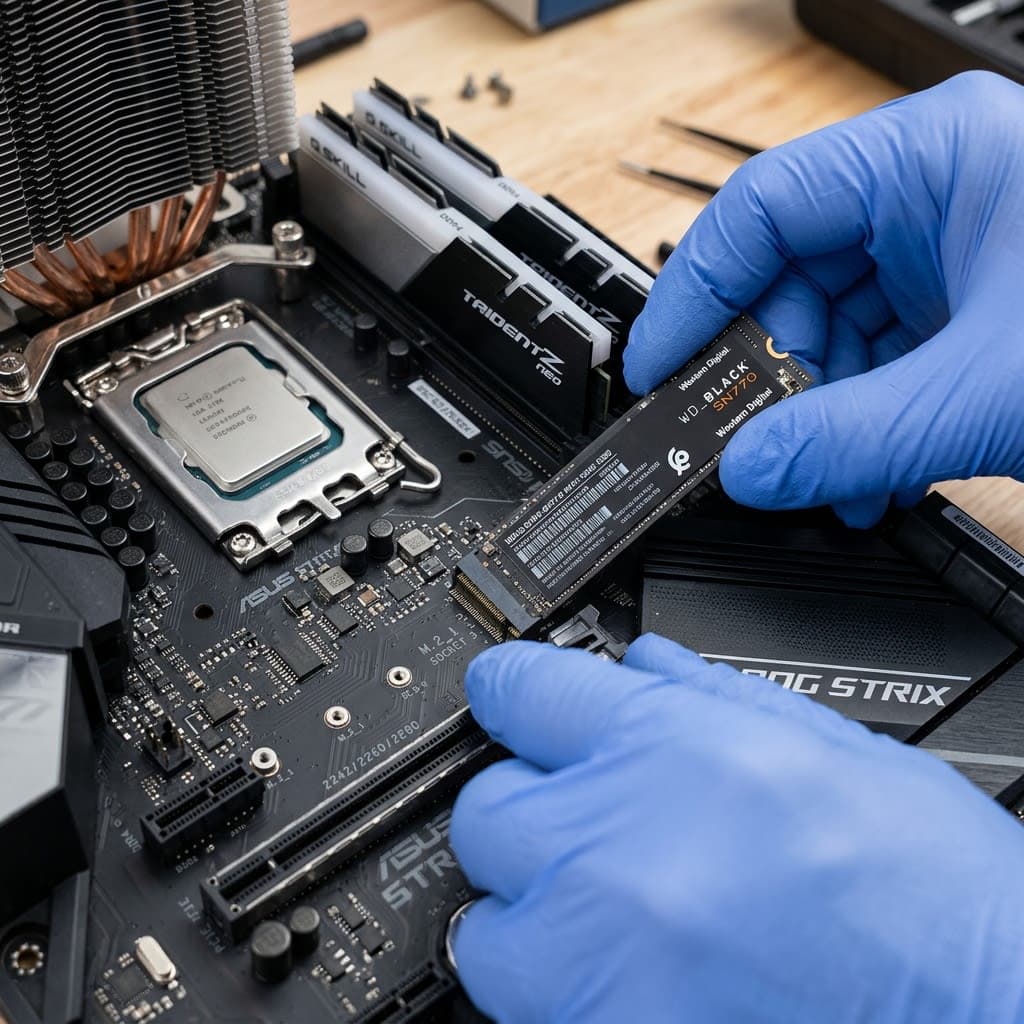
- Hard drive: 256GB SSD — absolutely avoid HDDs because slow boot speeds negatively impact productivity.
- Screen: 14-15.6 inch, Full HD, no higher resolution needed.
Advantages and Disadvantages
The biggest advantage is the low initial investment cost, making it suitable for limited budgets when purchasing in bulk. However, this segment typically has a shorter effective lifespan (2-3 years) and is prone to slowdowns when opening multiple browser tabs or running multiple applications simultaneously.
Segment 2: Mid-Range Laptops (12 – 18 Million VND)
This is the most cost-effective/efficient segment for the majority of office workers, accounting for approximately 55-60% of the actual purchasing needs of businesses.
Recommended Configuration
- CPU: Intel Core i5 12th-13th generation or AMD Ryzen 5/7 series 6000-7000
- RAM: 16GB — the minimum recommended to ensure smooth multitasking for 3-4 years of use.
- Hard drive: 512GB NVMe SSD, significantly faster read/write speeds than SATA SSDs.
- Screen: Full HD IPS, good color coverage, anti-glare suitable for all-day work.
- Connectivity: Wifi 6, USB-C, full HDMI ports for presentations and meetings.
Why Should This Segment Be Prioritized?
The price difference compared to the mainstream segment is only about 3-5 million VND, but the effective lifespan is extended by 1.5-2 years, significantly reducing the total cost of ownership (TCO) per year.
Segment 3: High-End Laptops (Above 18 Million VND)
Suitable for senior management, data-intensive teams, or positions requiring high durability and mobility.
Recommended Configuration
- CPU: Intel Core i7 or AMD Ryzen 7 or higher
- RAM: 16-32GB depending on data processing needs.
- Hard drive: 512GB – 1TB NVMe SSD
- Materials: Solid aluminum frame, meeting military standard MIL-STD-810 for durability.
- Battery: 10-15 hours of battery life, supports fast charging.
When Should Businesses Invest in This Segment?
This should only be applied to 10-15% of key personnel — the board of directors, frequently traveling sales managers, and data analysts. Purchasing this product for all employees is an unnecessary waste of resources.
Total Cost of Ownership (TCO) — A Factor Businesses Often Overlook
When budgeting for laptop purchases, many businesses only look at the initial purchase price and forget to consider the total cost of ownership (TCO) over the laptop's lifespan. TCO includes:
- Initial purchase cost: The list price of the equipment.
- Maintenance costs: Regular cleaning, battery replacement, keyboard replacement after 2-3 years of use.
- Downtime costs: Time employees are unable to work due to equipment failure or while waiting for repairs.
- Early replacement cost: This arises when the configuration no longer meets job requirements after 1-2 years.
A budget-friendly, mainstream laptop that costs 3-5 million VND less but needs replacing 1.5 years sooner than a mid-range laptop actually has a higher TCO (Total Cost of Ownership) when calculated over its entire 4-year lifespan.
Simple TCO Estimation Formula
TCO/year = (Purchase price + Estimated maintenance costs) / Number of years of effective use
Applying this formula helps the IT and finance departments of a business objectively compare different segments instead of just looking at the initial purchase price.
Important Warranty and Technical Support Policies to Note
When purchasing in bulk, warranty policies directly impact long-term operating costs:
- On-site warranty: Technicians come to your office to resolve issues, minimizing downtime.
- Warranty service at a service center: Lower cost but longer processing time, suitable for businesses with backup machines.
- Warranty period: Minimum 12 months, 24-36 month packages are recommended for mid-range and high-end laptops.
- Included software support: Installation of licensed operating system, office software, and basic security configuration before handover.
Comparison Table of 3 Segments of Office Laptops
Criteria
General education (8-11 million VND)
Mid-range (12-18 million VND)
High-end (>18 million VND)
Object
Basic administration and accounting
The majority of office workers
Data Manager
CPU
Core i3 / Ryzen 5U
Core i5 / Ryzen 5-7
Core i7 / Ryzen 7+
RAM
8GB
16GB
16-32GB
Effective lifespan
2-3 years
3-4 years
4-5 years
Material durability
Basic plastics
High-grade plastic/alloy
Solid aluminum
Recommended purchase rate within the team.
20-25%
55-60%
10-15%
Checklist of Criteria for Choosing Large Quantities of Laptops for Businesses
- The staff groups have been categorized according to actual usage needs.
- Determine the total budget and the average budget per machine.
- Request a price quote from the supplier for bulk purchases (usually 5-15% cheaper than buying individually).
- Review the centralized warranty policy — prioritize on-site warranty for businesses.
- Synchronize configurations within the same group for easier management, repair, and component replacement.
- A technical support contract is included (software installation, domain joining, security configuration).
- A full VAT invoice is required for accounting purposes related to fixed assets.
- Plan for depreciation and replacement over a 3-4 year cycle.

Benefits of Buying Laptops in Bulk Through a Corporate Supplier
Compared to buying individual items at retail stores, buying in bulk through a specialized B2B supplier offers several advantages:
- Quantity discounts: 5-15% off depending on order size.
- Configuration synchronization: Easy management and replacement of compatible components between machines.
- Deployment support: Bulk software installation, network configuration, domain synchronization joining.
- Centralized warranty: A single point of contact for all issues, avoiding the time-consuming process of contacting multiple suppliers.
- Consultation on suitable configurations: Avoid purchasing configurations that are either over- or under-configured for each job position.

Quang Duc's Business Laptop Supply Service
Quang Duc Electronics and Telecommunications Co., Ltd. provides comprehensive business office laptop solutions, including:
- We provide consultation on suitable configurations based on job positions and budget.
- Special pricing available for bulk purchases of 10 or more units.
- Install software, configure the network, and join the domain for synchronization before handover.
- Centralized warranty, on-site technical support in case of problems.
- Provide advice on upgrading and replacing equipment according to a reasonable depreciation cycle.
With experience supplying equipment to hundreds of local businesses, Quang Duc understands the challenge of balancing budget and practical performance for each type of business.
Conclude
Choosing the right office laptop within budget is not just about price, but also about optimizing the total cost of ownership in the long term. Businesses should clearly categorize the needs of each employee group, prioritizing mid-range options for most positions, and only investing in high-end models for personnel who truly need them.
If your business needs advice on choosing the right laptop configuration for your team, contact Quang Duc today for a special quote and free consultation.
Hotline: 0903 306 126 (Mr.Vũ Trần) | Website: cameraquangduc.vn