Designing a LAN Network System for an Office with Over 100 Employees
When an office surpasses 100 employees, the "switch-chaining" network infrastructure from the startup phase quickly reveals its limitations: slow network speeds during peak hours, frequent Wi-Fi drops, and a single faulty device causing an entire floor to crash. According to corporate IT operations statistics, over 70% of internal network problems in medium-sized offices stem from flawed initial topology design, not from poor-quality equipment.
This article presents a standard office LAN design for a company with over 100 employees—from overall architecture, VLAN partitioning, enterprise Wi-Fi, to cabling and rack selection, helping businesses build a stable and easily scalable infrastructure.
Core-Access 2-Tier Network Architecture
For a building with 100–300 employees, a two-tier (Core-Access) architecture offers the best balance between cost and performance, rather than a three-tier (Core-Distribution-Access) architecture, which is only necessary for multi-story buildings or interconnected buildings.
- Core Switch: A high-performance central switch located in the main server room, connecting all access switches and service devices (firewall, servers, NAS).
- Access Switch: Located on each floor or area, it connects directly to employees' computers, IP phones, and Wi-Fi access points.
- Edge Firewall/Router: Positioned before the core switch, controlling traffic to the Internet and between VLANs if needed.
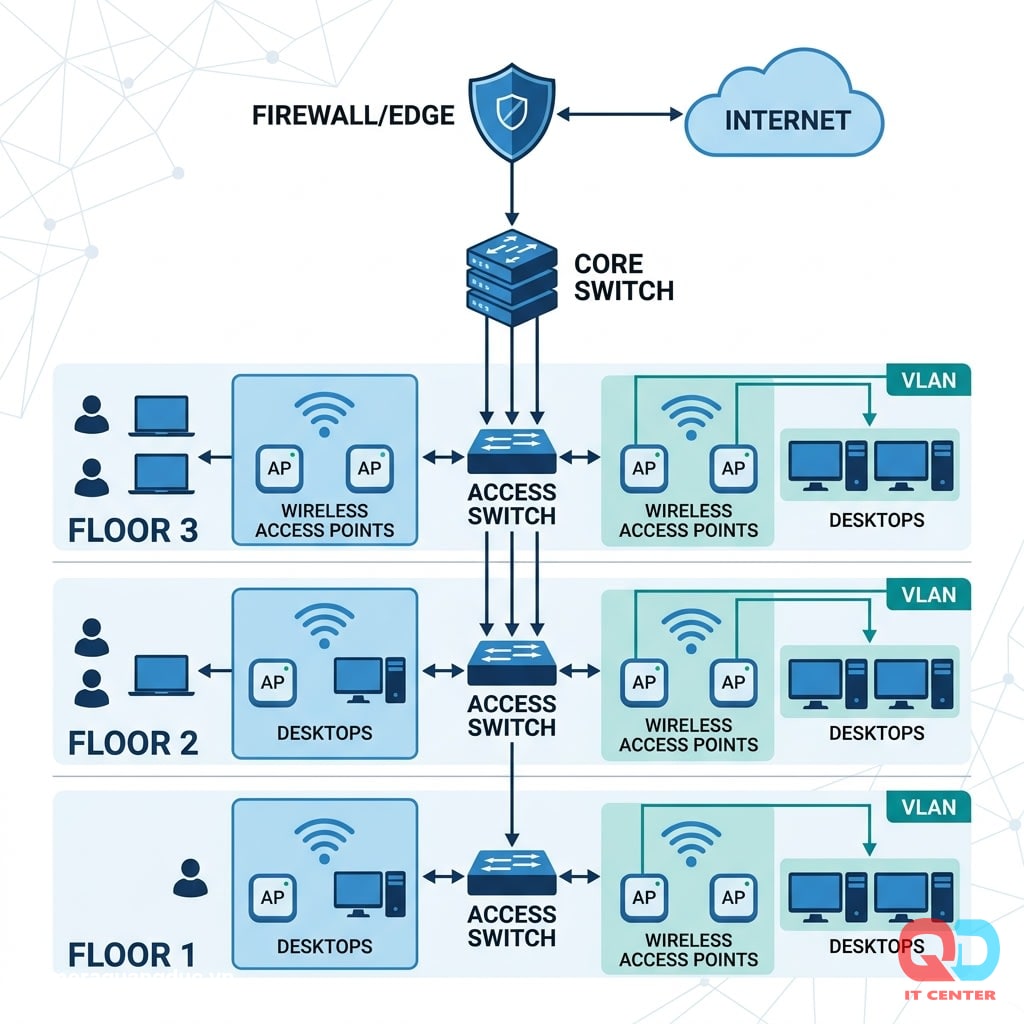
Design principles:
- The core switch should have Layer 3 functionality (routing between VLANs) to reduce the load on the firewall.
- Each access switch connects to the core network using at least two fiber optic cables (redundant uplink) if budget allows, to avoid a single point of failure.
- Reserve 20–30% of ports on each access switch to account for potential staffing expansion over the next 2–3 years.
VLAN Assignment by Department
VLANs (Virtual LANs) divide a physical network into multiple separate logical networks, each with its own broadcast domain and security policy—even if the devices are connected to the same physical switch.
Here's a sample VLAN diagram for an office with 100+ employees:
VLAN ID
VLAN name
Object
Note
VLAN 10
Management
Switch, AP, firewall
Only IT access is allowed; no direct internet routing is permitted.
VLAN 20
Staff - Accountant/Finance
Computers in the accounting department
High isolation, restrict access from other VLANs.
VLAN 30
Sales/Marketing Staff
Computers for the remaining departments
Normal internet access
VLAN 40
Internal server
File server, ERP, database
Firewall tightly controls inbound access.
VLAN 50
Employee Wi-Fi
Employee mobile devices
RADIUS authentication
VLAN 60
Guest Wi-Fi
Customers, partners
Completely isolated from the internal network.
VLAN 70
VoIP/IP Phone
IP desk phone
Highest priority for QoS.
VLAN 80
Security camera
IP Camera, NVR
Isolation, denial of internet access.
Benefits of VLAN partitioning:
- Limit the scope of impact in case of an attack or virus spread (affects only one VLAN).
- Implementing a separate QoS policy for VoIP VLANs ensures call quality is not affected by heavy file download traffic.
- It's easier to apply firewall rules by department group rather than by individual machine.
Wifi Enterprise: WPA3-Enterprise And RADIUS
For offices with over 100 employees, using the WPA2-Personal standard with a single password is not recommended — it risks password leakage and makes it impossible to track who is using which device.
Recommended security standard: WPA3-Enterprise
- Each employee logs into the Wi-Fi network using their own personal domain account (unique username/password), not a single shared passphrase.
- The RADIUS server authenticates each connection and integrates with the enterprise's existing Active Directory/LDAP.
- When an employee leaves, simply disable the domain account — no need to change the company-wide Wi-Fi password.
- Supports 802.1X for both physical and wireless port authentication.
Calculating Access Point (AP) Density
- An enterprise-grade access point (AP) optimally serves 25–30 devices simultaneously (not 50+ as commonly advertised).
- An office with 100 employees and an average of 2 devices per person (laptop + phone) requires a minimum of 6–8 access points (APs) distributed evenly, avoiding areas with weak signal coverage.
- Utilize dual-band (2.4GHz/5GHz) or Wi-Fi 6 (802.11ax) for high device density, reduced interference, and increased throughput.
PoE Budget: Calculating Power Supply Requirements
Access switches that support PoE (Power over Ethernet) allow power to Wi-Fi access points, IP phones, and cameras directly through the network cable, reducing the cost of separate power wiring.
- Enterprise Wi-Fi access point: 15–25W/device (PoE+ 802.3at standard)
- IP phones: 5–7W/device
- IP cameras: 6–12W/device depending on the type (those with heating/infrared consume more).
The formula for calculating the PoE budget is: Total required power = (Number of APs × 25W) + (Number of IP phones × 7W) + (Number of cameras × 10W), then add 20% for redundancy. PoE switches must clearly state the total PoE budget (e.g., 370W, 740W) — not just the number of ports that support PoE.
Bandwidth: From 1Gbps to Uplink 10Gbps
- Access port to employee computers: 1Gbps is sufficient for most current office tasks.
- Uplink between access switch and core switch: A minimum of 10Gbps (via SFP+ fiber optic cable) is required when the number of devices on each access switch exceeds 24–48 ports, to avoid bottlenecks when many users simultaneously access the server or back up data.
- Connecting the core switch to the server/NAS: A direct 10Gbps connection is recommended for servers running heavy applications or centralized storage.
Structured Cable: CAT6/CAT6a and Patch Panel
Cable type
Maximum bandwidth
Recommended distance
Application
CAT6
1Gbps (10Gbps at short distances <55m)
100m
Standard access port
CAT6a
10Gbps stable
100m
Uplink, areas requiring high bandwidth.
Single-mode fiber optic cable
10Gbps+
Kilometers
Connecting between buildings, remote floors
Checklist for structured cabling infrastructure:
- Run cables through separate cable trays from electrical wires to avoid electromagnetic interference.
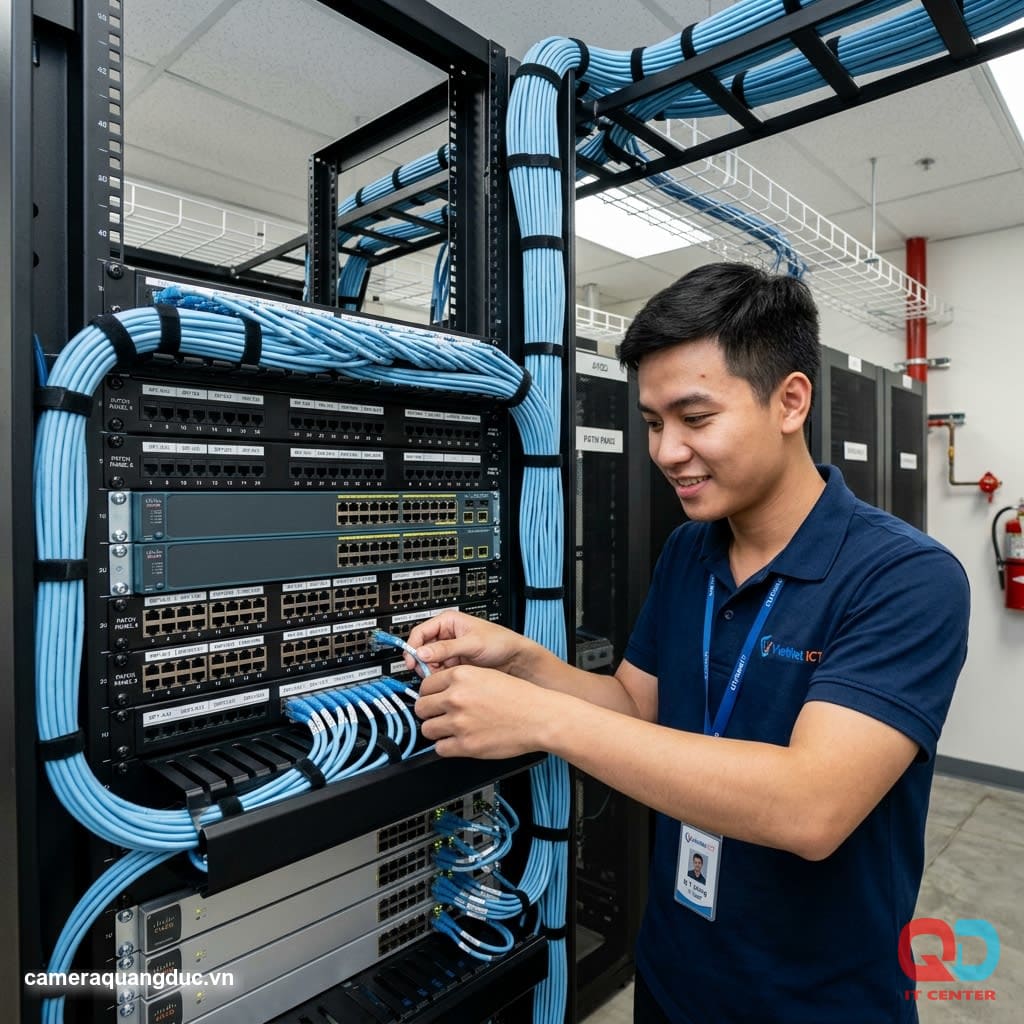
- Label both ends of each cable according to the corresponding patch panel code.
- 24/48-port patch panel fits neatly into a rack, with cable manager located above/below.
- Each cable is tested (certified) using specialized testing equipment before acceptance.
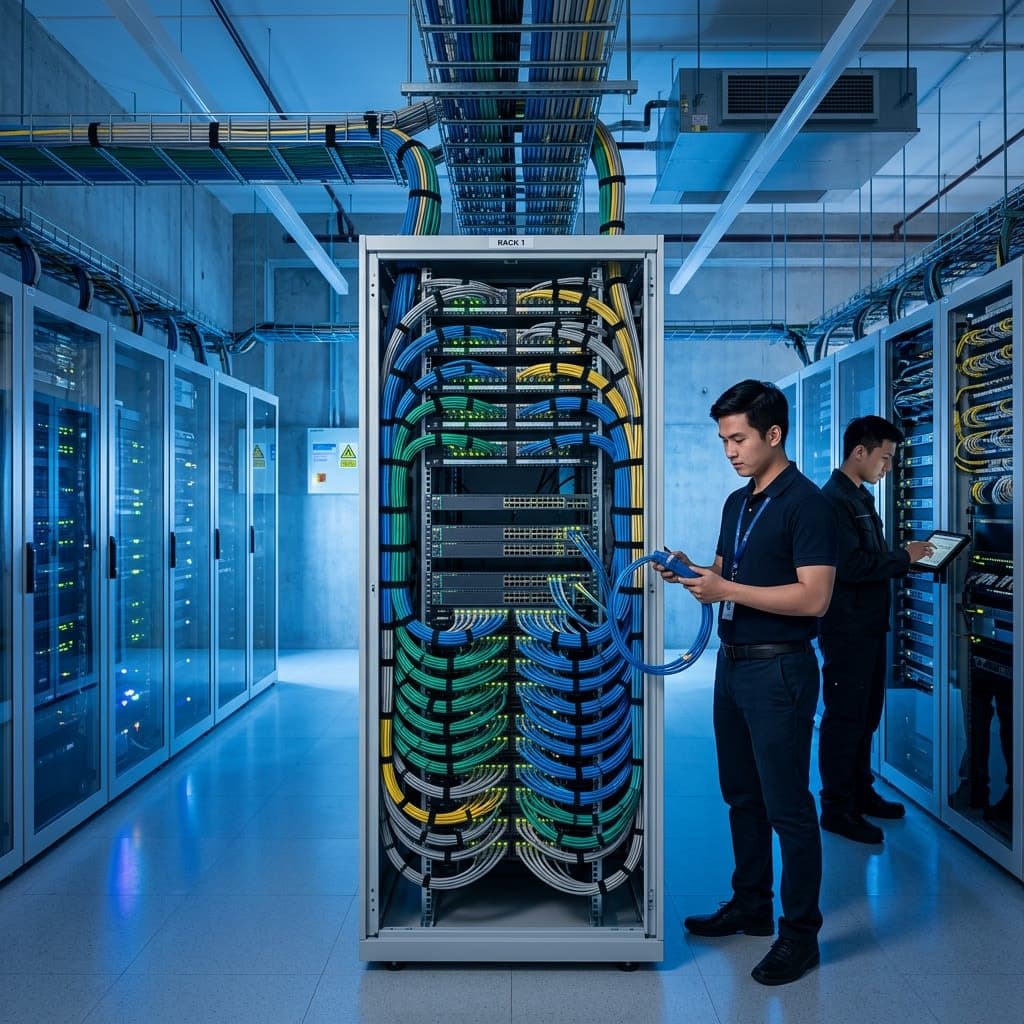
- The rack is placed in a separate, air-conditioned room to avoid high temperatures affecting the lifespan of the equipment.
High Availability and Redundancy
Offices with over 100 employees rely on an intranet for continuous operation — a network outage during working hours directly impacts company-wide productivity. Contingency measures should be considered right from the design stage.
- Dual WAN/Internet: Connects to two different internet providers simultaneously, automatically switching (failover) if one connection fails.
- UPS for network cabinets: Ensures the core switch and firewall remain operational for at least 30–60 minutes during a power outage, giving the backup generator sufficient time to start up.
- Redundant core switches (stacking or HA pair): For offices with high uptime requirements, consider two core switches running in parallel, automatically taking over when one device fails.
- Regularly back up your switch configuration: Save configuration files (config backups) weekly, allowing for quick restoration when the device needs replacing.
Network System Monitoring and Administration
A large-scale LAN system requires a centralized monitoring tool instead of manually checking each device:
- Network monitoring software: Provides instant alerts when switches or access points lose connection or CPU/bandwidth load exceeds limits.
- Centralized access point management: A wireless controller allows for the configuration and firmware updates of multiple access points (APs) from a single interface, eliminating the need to access each individual device.
- Access log: Records connection history by VLAN, useful for investigation in case of security incidents.
- Regular bandwidth reports: Identify which departments consume the most bandwidth, supporting timely decisions on upgrading internet connections.
Reference Topology Diagram
Internet | Firewall biên | Core Switch (Layer 3, 10Gbps uplink) |-- Access Switch Tầng 1 (VLAN 20,50,70,80) |-- Access Switch Tầng 2 (VLAN 30,50,70) |-- Access Switch Tầng 3 (VLAN 40 - phòng server) |-- Wireless Controller + AP (VLAN 50,60) Quang Duc's LAN Network Design & Installation Services Internet | Firewall biên | Core Switch (Layer 3, 10Gbps uplink) |-- Access Switch Tầng 1 (VLAN 20,50,70,80) |-- Access Switch Tầng 2 (VLAN 30,50,70) |-- Access Switch Tầng 3 (VLAN 40 - phòng server) |-- Wireless Controller + AP (VLAN 50,60)
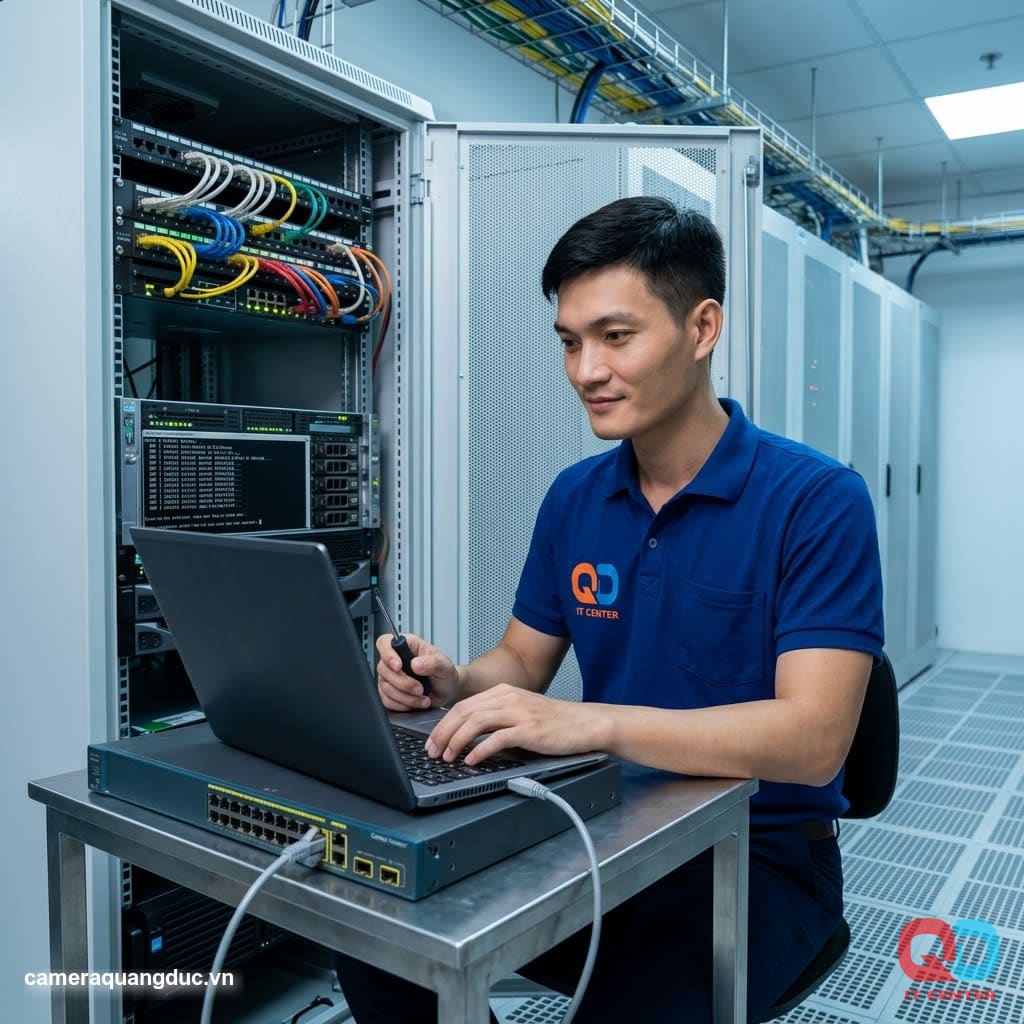
Quang Duc Electronics and Telecommunications Co., Ltd. provides comprehensive design and installation services for enterprise LAN networks :
- Survey the current situation and advise on network architecture suitable for the scale and budget.
- Designing VLAN diagrams, allocating IP addresses, and establishing security policies by department.
- Supply and installation of core/access switches, wireless controllers, and enterprise access points.
- Installation of CAT6/CAT6a structured cabling and fiber optic cables, complete testing and acceptance.
- Configures RADIUS, WPA3-Enterprise, and includes built-in Active Directory integration.
- Hand over the as-built technical documentation and detailed topology diagrams to the internal IT team.
With experience in deploying network infrastructure for numerous offices with 100-500 employees, Quang Duc commits to providing stable, easily scalable, and on-schedule systems.
Conclude
Designing an office LAN for over 100 employees requires a systems thinking approach from the outset — it can't be a piecemeal solution like adding switches when there aren't enough ports. Investing in the right core-access architecture, proper VLAN configuration, and enterprise-grade RADIUS Wi-Fi will ensure stable operation for many years and easy expansion as the workforce grows.
Contact Quang Duc today for a survey and consultation on designing a LAN network suitable for your office.
Hotline: 0903 306 126 (Mr.Vũ Trần) | Website: cameraquangduc.vn