
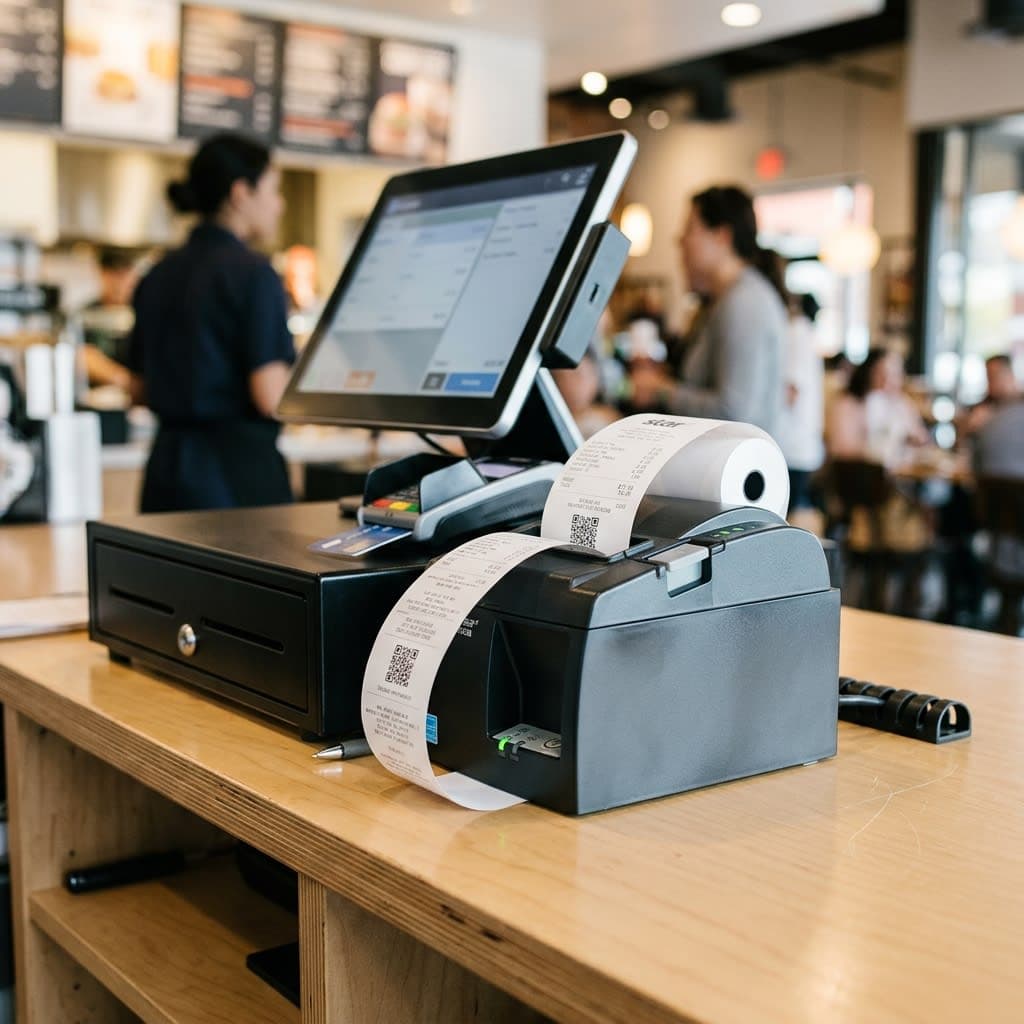
Thermal Receipt Printers for Restaurants and Shops: Advice on Choosing the Right One for Your Needs
According to statistics from point-of-sale equipment suppliers, over 45% of restaurants and small shops in Vietnam have experienced receipt printer malfunctions during peak hours — primarily due to choosing the wrong type of printer for their actual order volume. A thermal receipt printer costs only 1.5-3 million VND, but choosing the wrong capacity can cause the shop to lose 10-15 minutes processing orders during peak hours, directly impacting customer experience and revenue.
This article focuses in-depth on thermal receipt printers — from paper size, printing speed, connectivity to printhead durability and operating costs, helping restaurant and shop owners choose the right equipment from the start.
What is a Thermal Receipt Printer and How Does It Differentiate From a Regular Receipt Printer?
Thermal receipt printers use direct thermal printing technology on thermal paper, unlike dot matrix or laser printers which use ink. The print head generates heat, changing the color of a chemical layer on the paper's surface, resulting in clear characters without the need for ink ribbons.
Key advantages:
- Fast printing speed, suitable for high-frequency sales environments.
- No ink costs, just replace the paper roll.
- They operate smoothly and have fewer mechanical problems than dot matrix printers.
- Compact size, suitable for cashier counters with limited space.
Criterion 1: Choose the Right Paper Size — 58mm or 80mm
Paper size 80mm
Suitable for eateries and restaurants with menus containing many items, requiring detailed order information: item name, quantity, notes, price of each item, and total price clearly printed. The wide paper size makes the information easier to read, reducing errors when the kitchen prepares dishes according to the printed bill.
Paper size 58mm
Suitable for convenience stores, beverage counters, and small kiosks with a small number of items per order, where space for the printer is limited and paper costs are 30-40% lower than 80mm paper.
Paper Size Comparison Table
Criteria
58mm width
80mm width
Suitable candidates
Small shops, drink stalls, kiosks
Eateries, restaurants, mini-supermarkets
Printing paper costs
30-40% lower
Taller but can print more information.
Information clarity
Limitations apply to orders with multiple items.
Clear and easy to read for kitchen/living room
Machine dimensions
More compact
A little bigger
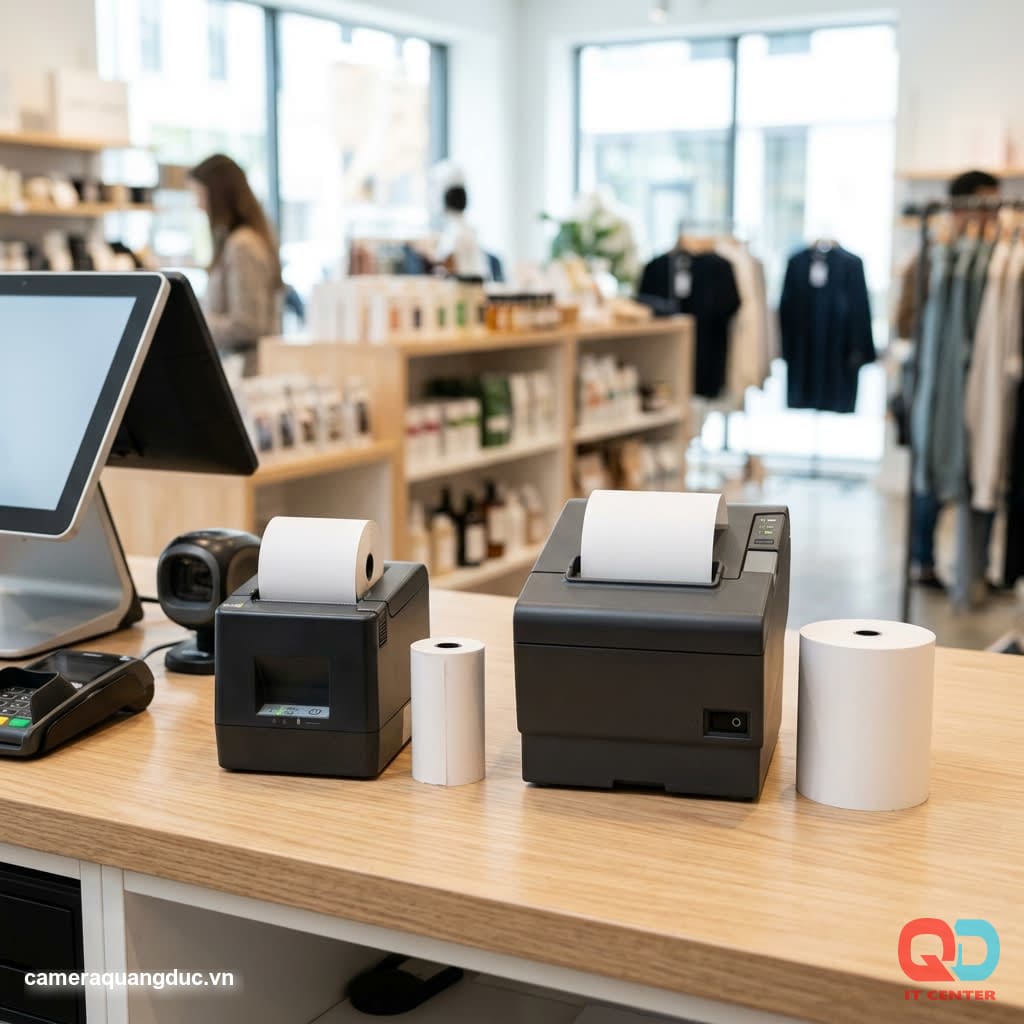
Criterion 2: Printing and Processing Speed During Peak Hours
Printing speed, measured in mm/second, directly determines the processing time for each order.
- Below 150mm/second: Only suitable for low-traffic stores, under 50 orders/day.
- 200-250mm/second: A common speed, suitable for medium-sized restaurants with 100-200 orders per day.
- 300mm/second or more: Essential for busy restaurants, chain stores, and mini-supermarkets with continuous high traffic.
For restaurants with peak lunch/dinner hours lasting 30-45 minutes, slow printing speeds will create queues at the kitchen and cashier counters, directly impacting the customer experience.
Criterion 3: Connectivity Standards — LAN, USB, Bluetooth
USB Connection
Simple, stable, and suitable for a model with one printer directly connected to one cashier computer. The limitation is that it cannot be shared across multiple printing locations simultaneously (bar, kitchen).
LAN (Ethernet) Connection
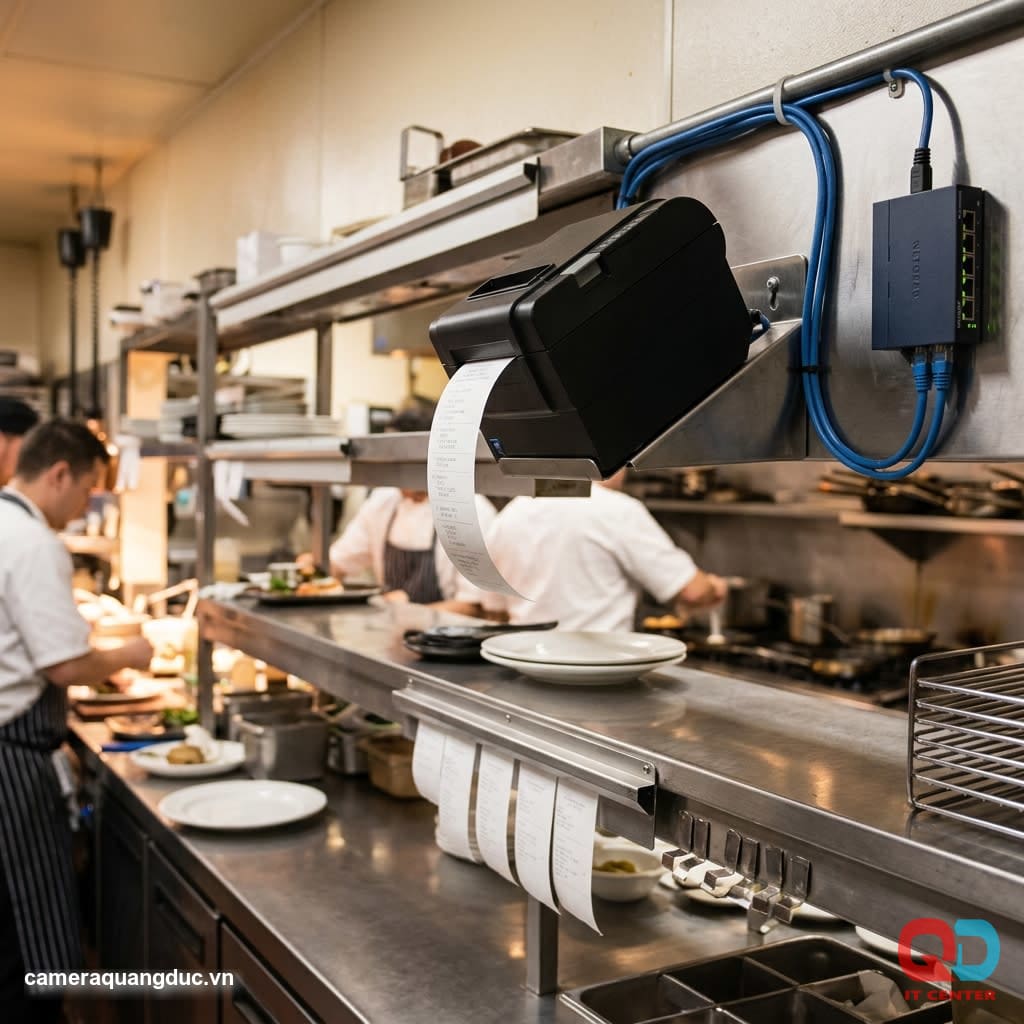
Suitable for models requiring printing at multiple locations — for example, order receipts at the cashier and processing receipts at the kitchen/bar simultaneously. More stable than Wi-Fi, without signal interference during peak hours.
Bluetooth/Wifi Connection
Flexible for mobile sales models, table-order carts, or open-plan shops where wiring is inconvenient. The disadvantage is the risk of connection loss when multiple devices are broadcasting simultaneously.
Recommendation: Restaurants with separate kitchens and ordering counters should choose a LAN-enabled system to ensure absolute stability during peak hours.
Criterion 4: Thermal Printhead Durability and Operating Costs
The thermal print head is the most important component that determines the lifespan of the machine:
- Standard print head: Lifespan of 50km of paper — equivalent to approximately 1-1.5 years of use for an average restaurant with 150 orders per day.
- High-quality print heads: Lifespan of 100km of printed paper or more, suitable for high-traffic shops, reducing maintenance and replacement frequency.
The cost of printing paper needs to be calculated.
For a restaurant printing an average of 150-200 bills per day, the cost of 80mm roll paper ranges from approximately 300,000 to 500,000 VND per month. This is a fixed operating cost that needs to be included in the total cost of ownership when comparing different printer models.
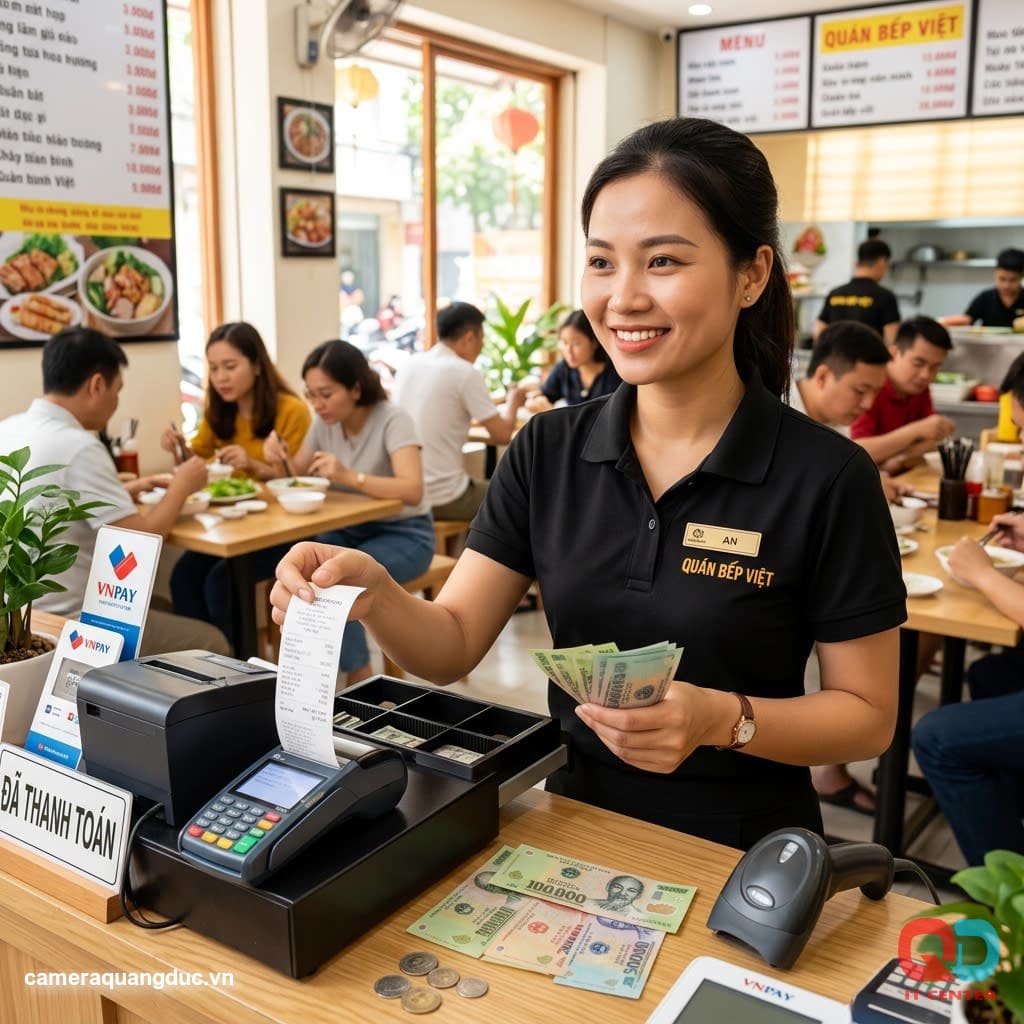
Integrating Receipt Printers with Point-of-Sale (POS) Software
A good thermal receipt printer should work seamlessly with the point-of-sale software used at the store. Before purchasing, check the following:
- Driver support: The printer must have a driver compatible with the POS computer's operating system (Windows, Android POS).
- Software connection protocol: Many POS software programs require the ESC/POS standard — you need to confirm that the printer supports this standard before purchasing.
- Simultaneous printing capability: In busy establishments, the printer needs to be able to handle multiple print jobs in quick succession without queue congestion.
- Customize the bill template: The software needs to allow editing the restaurant's logo, contact information, and promotional offers printed on the bill.
It's advisable to request a live demo from the supplier using your current sales software before making a purchase decision to avoid incurring replacement costs later.
Comparison of Initial Investment Costs and Long-Term Operating Costs
When choosing a receipt printer, business owners need to consider both the initial investment cost and the operating costs over 2-3 years of use:
- Cheap printers (under 1.5 million VND): Print heads have a short lifespan and usually need replacing after 8-12 months of continuous use, resulting in repair costs.
- Mid-range machines (1.5-2.5 million VND): Offer a good balance between cost and durability, suitable for most medium-sized restaurants and shops.
- High-end machines (over 2.5 million VND): Durable print heads, high speed, suitable for high-traffic chain stores or restaurants, minimizing long-term maintenance costs.
Over a 3-year lifespan, mid-range and high-end machines typically have lower average annual operating costs than budget machines due to reduced frequency of repairs and component replacements.
Checklist for Choosing a Thermal Receipt Printer Based on Business Size
- Determine the appropriate paper size: 58mm (small shops) or 80mm (cafes, restaurants)
- Estimate the average number of bills to print per day to choose the appropriate printing speed.
- Determine the number of printing points required (cash register, kitchen, bar) to select the appropriate connection standard.
- Check compatibility with your current point-of-sale/POS software.
- Comparison of thermal printhead lifespan between different models (50km vs 100km+)
- Calculate monthly printing paper costs based on actual usage.
- Check the warranty and availability of replacement parts locally.
- Prioritize machines with automatic paper cutters (auto-cutter) to increase service speed.
Common Mistakes When Choosing the Wrong Receipt Printer
Common errors
Reason
Consequence
Printing is slow during peak hours.
Printing speed under 150mm/second for busy restaurants.
Long waiting times reduce the customer experience.
The bill is blurry and difficult to read.
Poor quality print head or substandard paper
Order mix-ups, processing errors
Constant disconnection
Choose Bluetooth for multi-device environments.
Disruption of the ordering-kitchen process.
Rapid wear and tear
Low-life printheads used for high flow rates.
Maintenance and replacement costs are increasing.
Software incompatibility
Do not check drivers/APIs before purchasing.
Having to replace the machine is a waste of investment.
Quang Duc Thermal Receipt Printer Supply Service
Quang Duc Electronics and Telecommunications Co., Ltd. provides thermal receipt printer solutions with a variety of paper sizes and printing speeds, suitable for businesses of all sizes:
- We provide advice on machine selection based on order volume and actual operating model.
- Supports integration with existing point-of-sale/POS software at the store.
- We supply high-quality roll printing paper, ensuring optimal printhead durability.
- Genuine warranty, on-site technical support in case of problems.
- Consulting on multipoint printing solutions for restaurant models with separate kitchens and ordering counters.
With experience equipping hundreds of local restaurants and shops with sales equipment, Quang Duc understands the operational pressures of peak hours and the practical needs of each F&B business model.
Conclude
Choosing the right thermal receipt printer not only helps restaurants and shops run smoothly during peak hours but also significantly saves on maintenance and operating costs in the long run. Before deciding to invest, clearly determine the paper size, printing speed, connection standard, and print head lifespan that best suit your business scale.
If you need advice on choosing the right receipt printer for your restaurant or shop, contact Quang Duc today for free consultation and a special price quote.
Hotline: 0903 306 126 (Mr.Vũ Trần) | Website: cameraquangduc.vn


