IP PBX & LAN Infrastructure for Businesses: Optimizing Communication Costs
A 50-employee business in Vietnam spends an average of 8–15 million VND/month on internal and intercity telephone calls using a traditional PSTN system. After switching to an IP PBX integrated with a SIP trunk, that cost dropped to 2–5 million VND/month , saving over 100 million VND per year . This isn't an estimate—this is the actual result of hundreds of small and medium-sized enterprises in Central Vietnam that have deployed IP communication infrastructure over the past three years.
What is an IP PBX and How Does It Work?

An IP PBX (Internet Protocol Private Branch Exchange) is an internal telephone system that uses the SIP (Session Initiation Protocol) protocol and an IP network instead of traditional analog lines. All calls—internal, external, and incoming—are transmitted as packet data (VoIP) over the existing LAN/WAN infrastructure.
IP PBX Call Flow
When employee A calls employee B from the same company: A's IP phone sends a SIP request to the IP PBX server → the server routes the call to B's phone → the call is established over the local network, completely free of charge .
When making outgoing calls: IP PBX routes calls through SIP Trunks — VoIP lines from the network provider (Viettel, VNPT, CMC, etc.) with charges 60–80% lower than conventional PSTN lines.
Comparison of Traditional PBX vs. IP PBX

Criteria
Traditional PBX (Public Switchboard)
IP PBX
Investment costs
30–150 million VND
15–80 million VND
Monthly fee
8–20 million VND (50 users)
2–6 million VND (50 users)
Expanding extensions
Need to buy more cards and run new cables.
Adding softphones doesn't require additional hardware.
Inter-branch calls
Charged as if it were an external call.
Free via the Internet
Mobile phone integration
Are not
Yes (softphone app)
Working remotely
Not supported
Use the extension number everywhere.
Call recording
Additional equipment is needed.
Built-in, cloud storage
Maintenance
Highly skilled technicians
Administration via web browser
Save for 3 years
—
300–600 million VND
On-Premise vs Cloud PBX
On-Premise IP PBX: Servers are located in the office, and data is completely under control. Initial investment is higher, but long-term operating costs are lower. Suitable for businesses with 30–200 employees and high security requirements (banks, lawyers, healthcare).
Cloud PBX: Monthly service, no on-premises server required, automatic feature updates. Much lower initial cost. Suitable for startups, businesses with fewer than 30 employees, or those with many remote workers.
Hybrid: On-premise for internal and critical calls, cloud backup for continuity in case of failure.
LAN Infrastructure — The Foundation of All IP Solutions

IP PBX systems only work effectively on high-quality LAN infrastructure. This is why businesses need to invest properly from the start instead of using makeshift infrastructure.
CAT6 and CAT6A Network Cable Standards
Cable type
Bandwidth
Maximum speed
Distance
Suitable for
CAT5e
100 MHz
1 Gbps
100m
Small, old office
CAT6
250 MHz
10 Gbps (55m)
100m
Modern office
CAT6A
500 MHz
10 Gbps
100m
Datacenter, the future
Fiber optic cable (OM4)
Unlimited
100 Gbps
> 100m
Connecting floors/buildings
Recommendation 2024: Use CAT6 for new office installations, CAT6A for server areas and data centers, and fiber optic cable for inter-floor connections or distances over 100m.
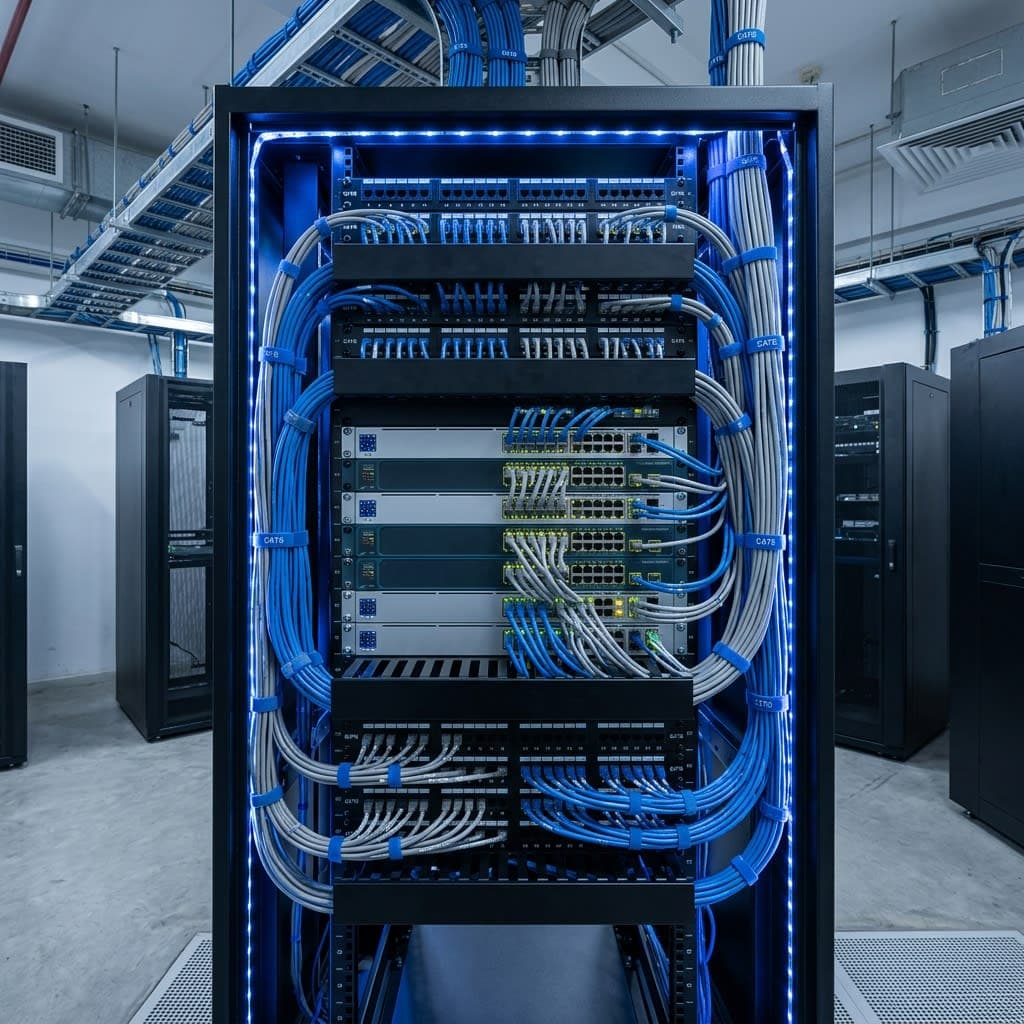
Properly Designed Structured Cabling
Network cabling must be installed according to TIA-568 (USA) or ISO/IEC 11801 standards to ensure performance and longevity.
- All cables run inside conduits or cable trays.
- Patch panels are clearly labeled, and network cabinet diagrams are documented.
- Each network outlet must pass at least Class D (CAT6) testing using specialized testing equipment.
- UPS (uninterruptible power supply) for switch and server cabinets — minimum backup time 30 minutes
PoE Switch — Power over Network Cable
PoE (Power over Ethernet) allows direct power supply via CAT5e/CAT6 network cables to IP phones, IP cameras, Wi-Fi access points, and even door access control systems. Benefits:
- Save on electricity costs by using separate power supplies for each device.
- Easily place the device in a location without a power outlet.
- Centralized power is cut off from the switchgear when maintenance is required.
Essential PoE standards to know:
- IEEE 802.3af (PoE): 15.4W — sufficient for IP phones and small cameras.
- IEEE 802.3at (PoE+): 30W — PTZ camera, Wi-Fi 6 access point
- IEEE 802.3bt (PoE++): 60–100W — LED displays, special equipment
VLAN Network Security Partitioning
VLANs (Virtual LANs) divide a physical network into independent logical zones on the same cabling infrastructure. Standard VLAN design for businesses:
- VLAN 10 — Voice: Dedicated to IP phones, prioritizing QoS (Quality of Service) to ensure voice quality.
- VLAN 20 — Data: Regular employee computers
- VLAN 30 — Management: Manages network devices, switches, and firewalls.
- VLAN 40 — CCTV: Surveillance camera, isolated from the main network.
- VLAN 50 — Guest Wi-Fi: Guests accessing the internet cannot see the internal network.
Enterprise Wi-Fi and Seamless Roaming
Enterprise Wi-Fi infrastructure is completely different from home Wi-Fi. Enterprise Access Points (APs) support:
- Wi-Fi 6 (802.11ax): 40% higher bandwidth, more efficient in crowded environments.
- Seamless Roaming (802.11r): Moving between APs without disconnection — important for IP phones on Wi-Fi.
- Band Steering: Automatically switches the device from 2.4GHz to 5GHz for optimal speed.
- Controller-based management: Manage all APs from a single interface, applying consistent policies.
Standard AP density: 1 AP for every 20–30 concurrent users or every 200–400 m² of floor space.
Advanced IP PBX Features Increase Productivity
Modern IP PBX systems are more than just telephones — they are a collaboration platform (Unified Communications):
- IVR (Auto Attendant): An automated voice menu that directs callers to the correct department.
- ACD (Automatic Call Distribution): Distributes calls to a group of employees in a queue.
- Click-to-Call: Make calls directly from your CRM, email, or web browser.
- Call Recording: Automatically records and stores calls for 30–90 days, accessible by name, number, and time.
- Voicemail-to-Email: Voice messages are converted into MP3 files and sent to email.
- Integrated Video Conferencing: Internal video meetings without Zoom or Teams.
Network Infrastructure and IP PBX Deployment Process
Step 1 — Survey and Design:
- Measure the ground, determine the number of network and telephone access points required.
- Designing the network topology, cabinet placement, and cable routing.
- Calculate PoE power, WAN bandwidth, and SIP trunk capacity.
Step 2 — Cable infrastructure installation:
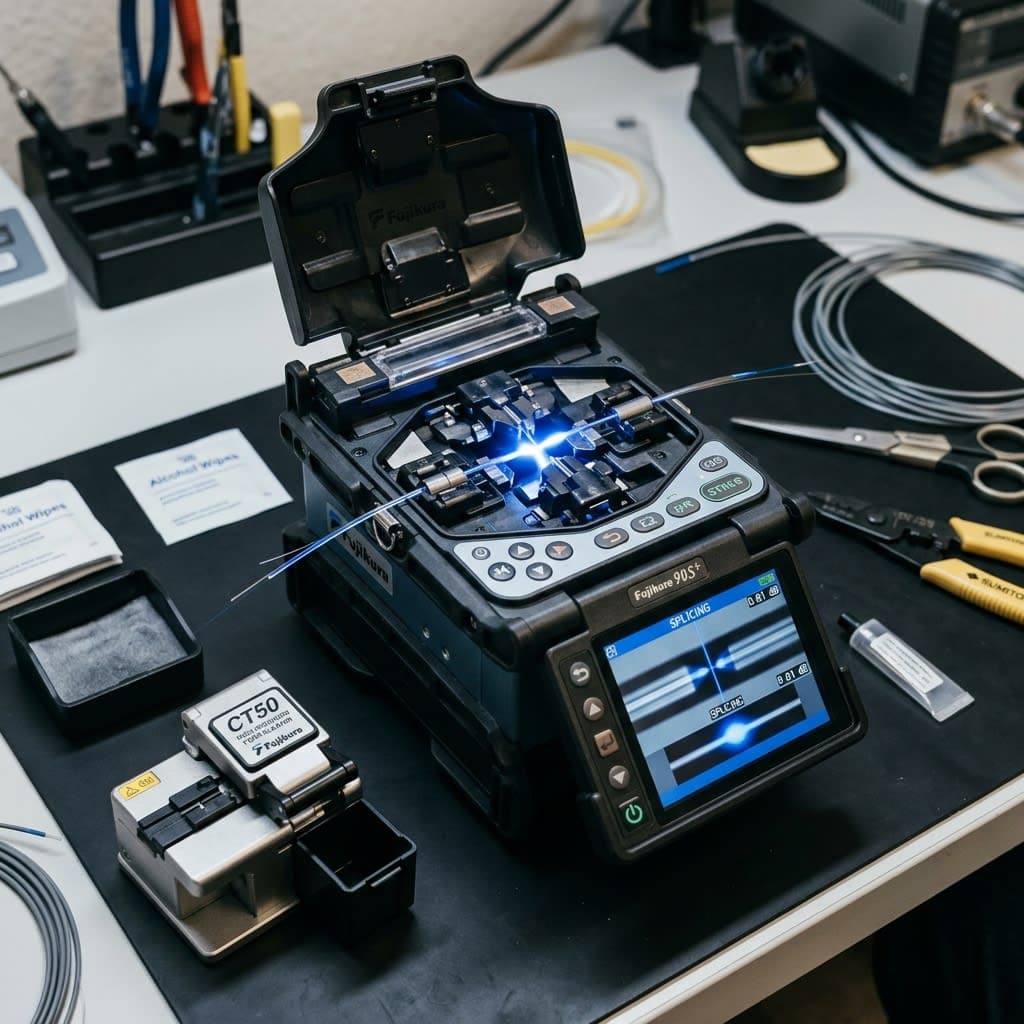
- Installing cable trays, laying CAT6/fiber optic cables, splicing ODFs (fiber optic).
- Install the patch panel and keystone jack, and test each network point using a multimeter.
Step 3 — Install the active device:
- Install and configure core switches, access switches, and firewalls.
- Install and configure the IP PBX server, register the SIP trunk with your internet service provider.
Step 4 — Configuration and testing:
- Create extensions, set up IVR, and manage call permissions.
- Voice quality test (MOS score > 4.0), latency < 150ms
Step 5 — Training and Handover:
- Training employees on the use of IP phones and softphones.
- Hand over technical documents, administrator password, and network diagram.
Quang Duc's IP PBX and LAN Network Infrastructure Services
Quang Duc Electronics and Telecommunications Co., Ltd. provides comprehensive IP PBX solutions and LAN network infrastructure:
- Free survey and design of LAN and IP PBX systems according to TIA-568 standards.
- Install CAT6/CAT6A/fiber optic network cables, network cabinets, and patch panels according to standards.
- Provide and configure IP PBX (on-premise and cloud), SIP trunk, IP phones, and softphones.
- Configure VLANs, PoE, and enterprise Wi-Fi 6 with seamless roaming across the entire facility.
- 12-month system warranty, technical support, and scalability to meet growing needs.
With over 10 years of experience in deploying telecommunications and network infrastructure for businesses in Quang Nam and Da Nang, Quang Duc has helped hundreds of customers save hundreds of millions of VND in communication costs annually.
Conclude
IP PBX systems and LAN infrastructure are no longer the exclusive domain of large corporations — today, a company of 20–30 employees can easily own a professional communication system on par with a large corporation at a reasonable investment cost and with a payback period of just 8–14 months from cost savings.
More importantly: a proper network infrastructure is the foundation for all future technology solutions — IP cameras, access control, video conferencing systems, ERP, CRM. Invest wisely once instead of patching things up repeatedly. Contact Quang Duc today for advice on designing a suitable system and a detailed quote for your facility.
Hotline: 0903 306 126 (Mr.Vũ Trần) | Website: cameraquangduc.vn